Flow interaction statistics
You can always track how many users interacted with certain chatbot elements and received particular messages or how many users clicked specific buttons in your chatbot flows. You can view data summaries for specific periods to analyze the necessary information for each chatbot flow individually.
General statistics
You can view general statistics on the number of messages you've sent and read and the number of links that users clicked on. Moreover, you can compare the rate of your read messages to the number of sent messages and analyze your click-through rate compared to the number of read messages.
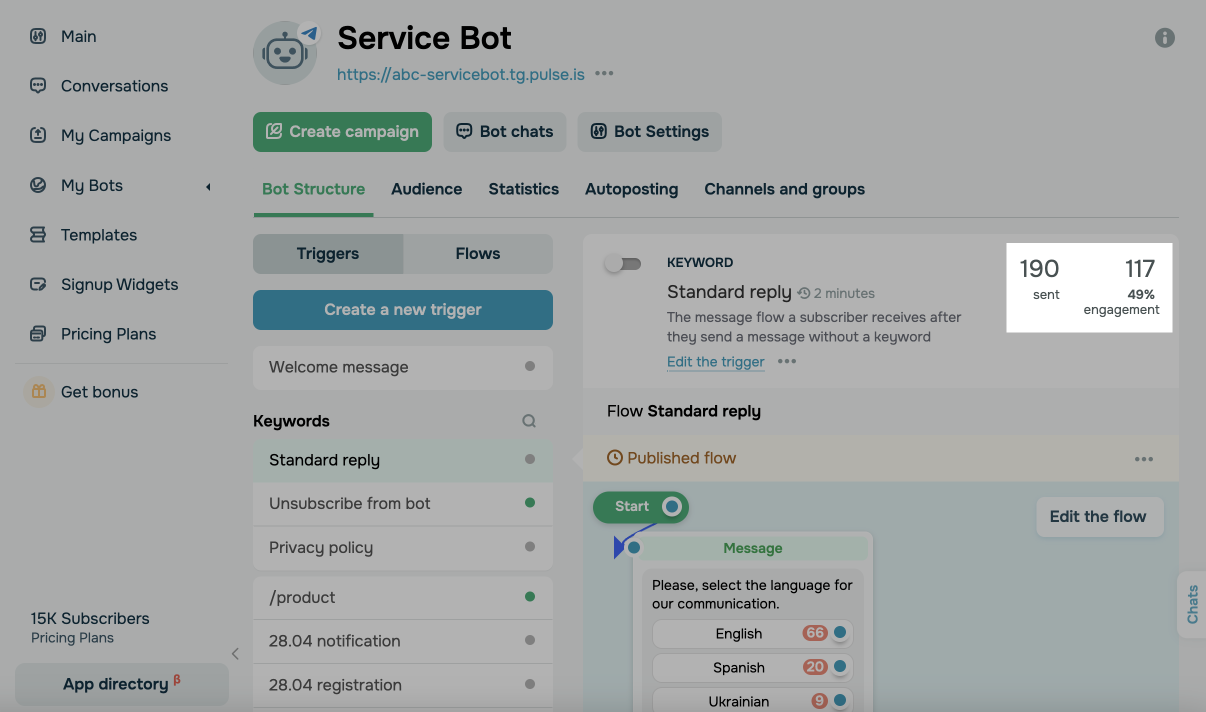
Element statistics
You can see the number of interactions with the Message, Action, and Flow elements.
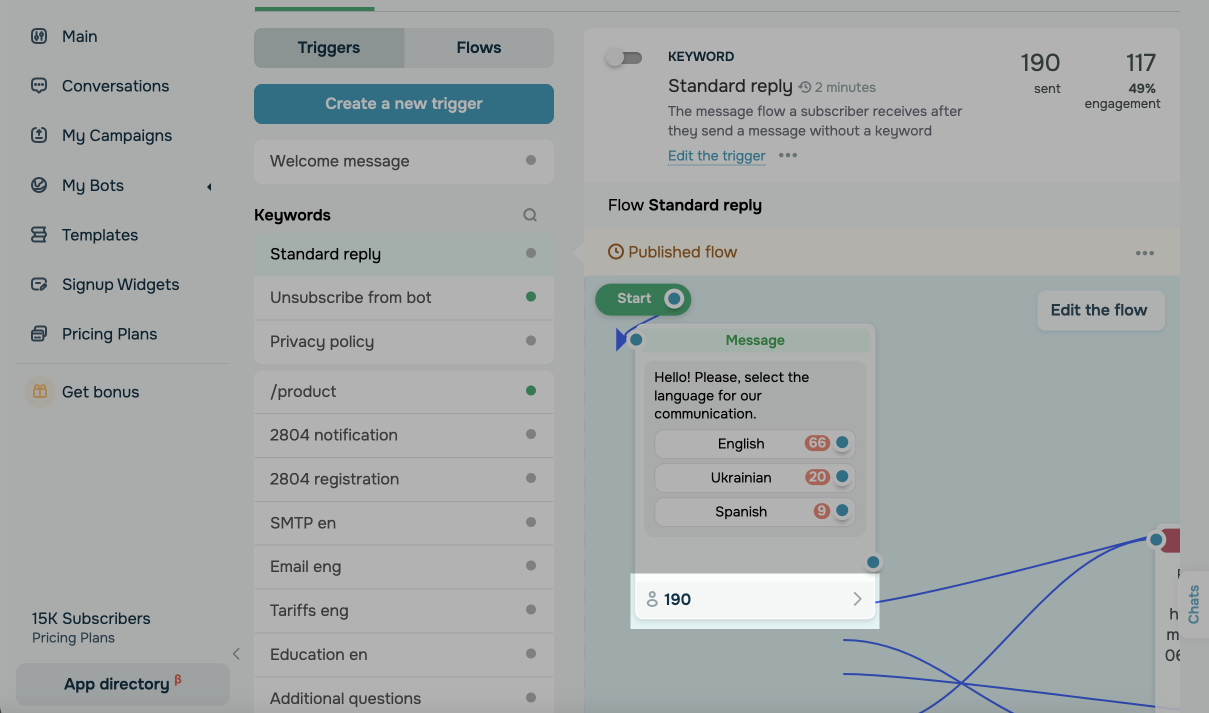
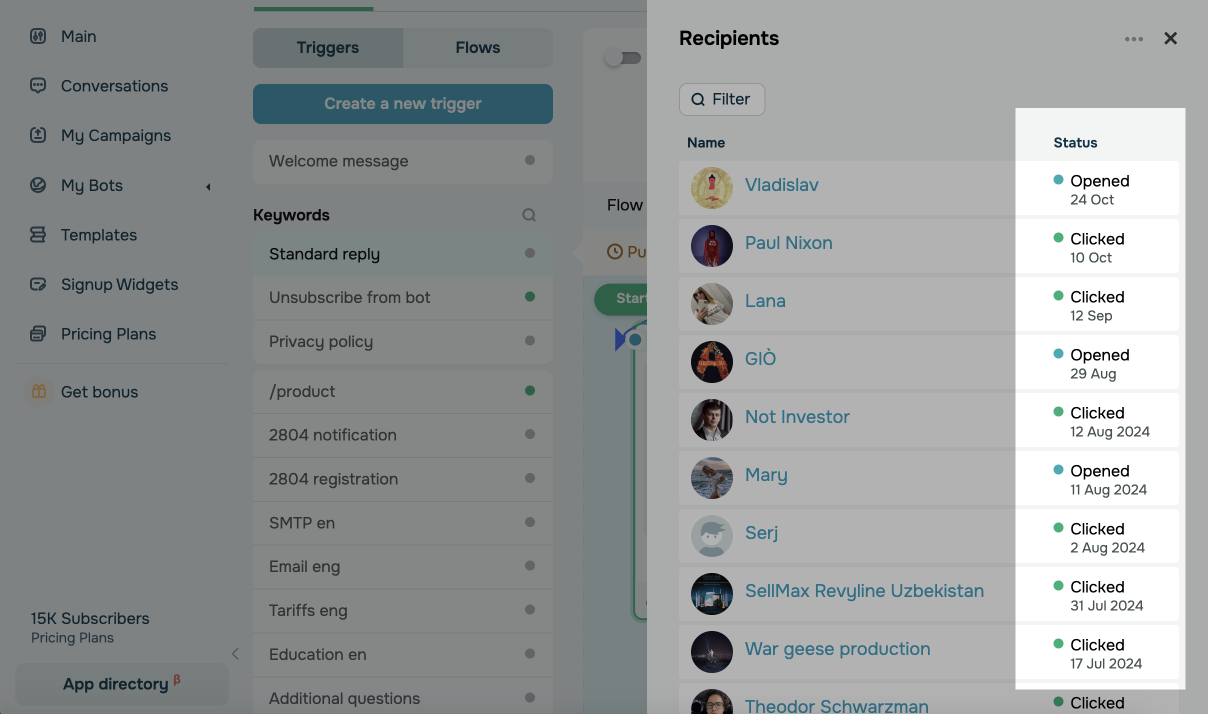
You can click on a number below these elements to see their statuses for each recipient.
The Message element can have the following statuses:
| Sent | A message was sent to a recipient, but they have not yet read it. |
| Opened | A message was opened by a recipient. |
| Clicked | A recipient clicked a button in a message. |
| Rejected | A recipient or a social network has rejected a message. |
Action and Flow elements can have the Sent status, which means that an element was started but was not yet executed, or the Done status if an element was executed.
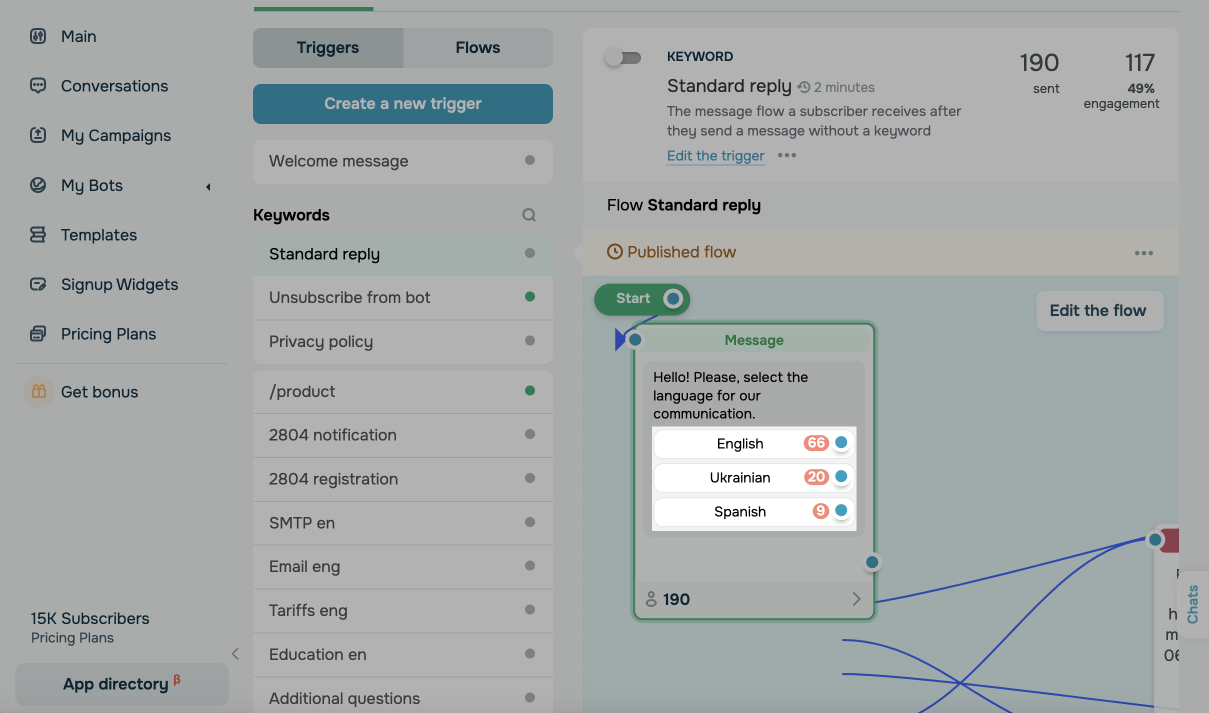
Button statistics
You can track the number of clicks on buttons like Continue and Link.
You can also click on the number below to see all the recipients who clicked on your link.
Please note that to allow a user to continue the flow by clicking on the button, you need to activate the Link Tracking option in the chatbot settings under the General tab.
Last Updated: 09.09.2025
or