Shedule your email campaign
With SendPulse, you can send both single and bulk email messages. You can send campaigns in real-time or schedule them for a future time.
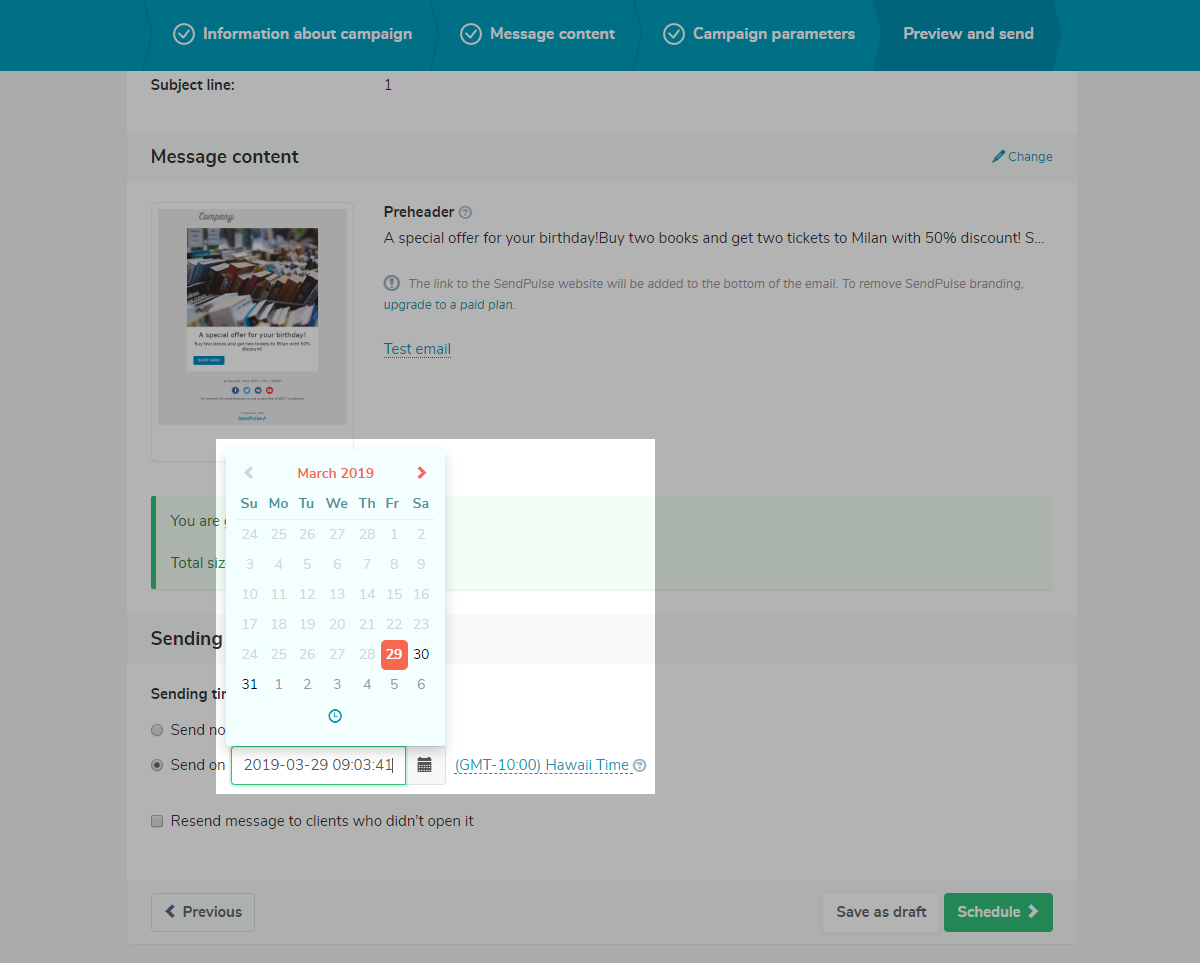
Start creating an email campaign. At the Preview and send step, select the Send on option. Specify the date and time and choose the time zone. SendPulse will send the campaign automatically.
You can use the dynamic list feature. The dynamic list includes contacts that were added to the mailing list from the moment the campaign was created to the moment it was sent.
It is excellent for delivering emails in non-working hours or to plan reminders, congratulations, notes, and others beforehand. You are not limited in the number of scheduled campaigns.
Check for the campaign’s status by analyzing detailed general and campaign statistics.
Last Updated: 22.03.2024
or