Keyword flow trigger
A keyword trigger is used to launch a chatbot flow in response to specific words or phrases in a subscriber’s message.
For example, you can use it to reply to questions about pricing, delivery terms, or other common information that users send in free form.
Let’s talk about how to add a trigger and configure its settings.
Add a trigger
Go to your bot, open the Bot structure tab, and click Create a new trigger.
Select the Keyword trigger type.
Configure the keyword
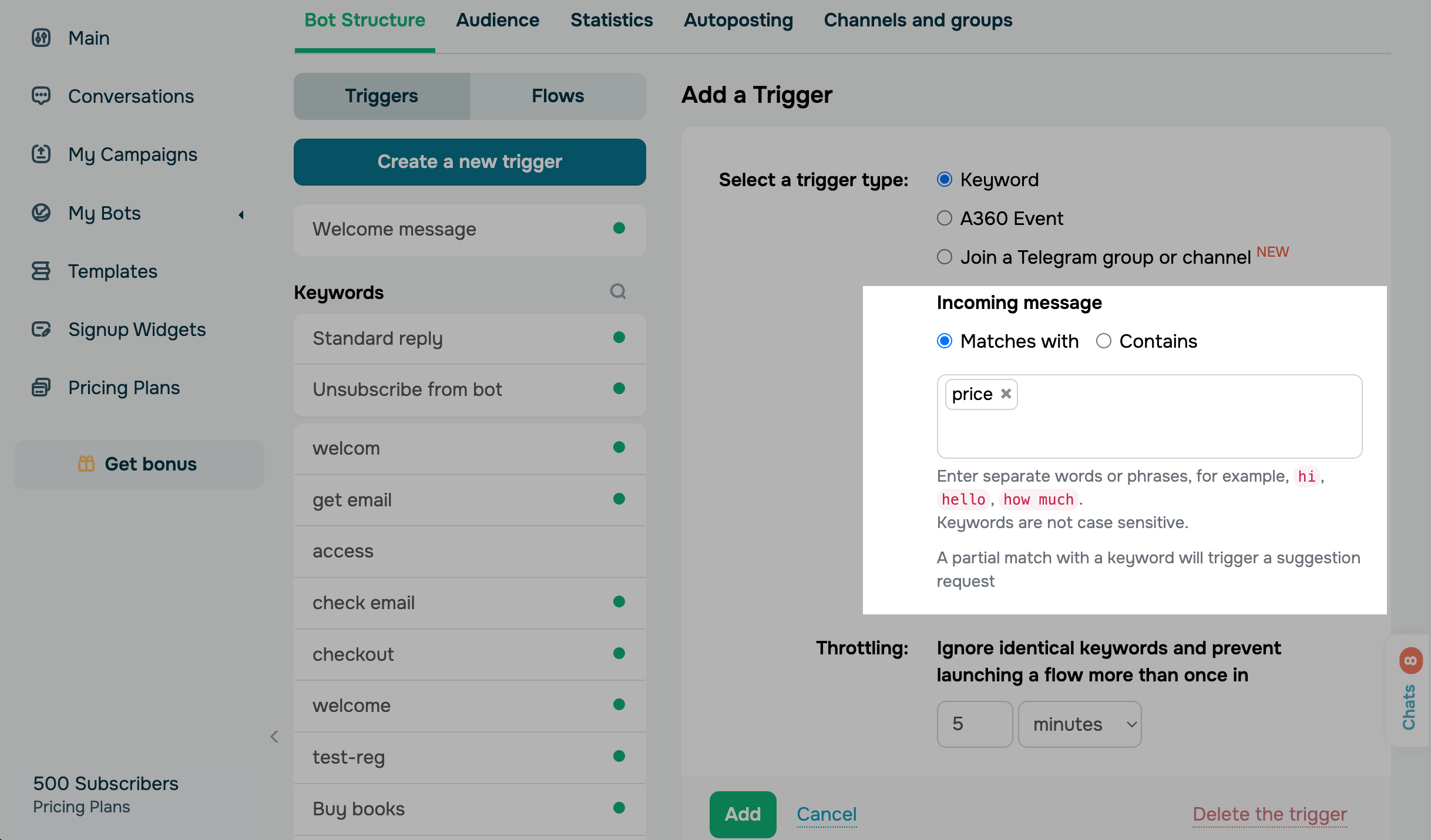
Enter the keywords. The maximum keyword length is 32 characters.
*The service recognizes individual words and phrases as commands, for example: Hello, price, what is the price, how much does it cost. Keyword recognition is case-insensitive, so the system treats price, Price, and PRICE the same.
Select an condition to regognize keyword as a command:
| Matches with | If the keyword is part of a sentence or the message contains several keywords, the bot sends a clarification request*. |
| Contains |
The trigger launches as soon as a subscriber’s message contains a keyword. If there are multiple triggers, the bot selects the trigger linked to the first keyword listed. |
* You can also disable clarification messages in your bot settings.
For example, you have a trigger with the price keyword. A subscriber sends the message Hello, what is the price? to the chatbot. The chatbot sends a clarification request if you enabled the Matches option, where the price keyword appears as a quick reply. The subscriber selects the command they are interested in, which launches the corresponding message flow.
Set throttle interval
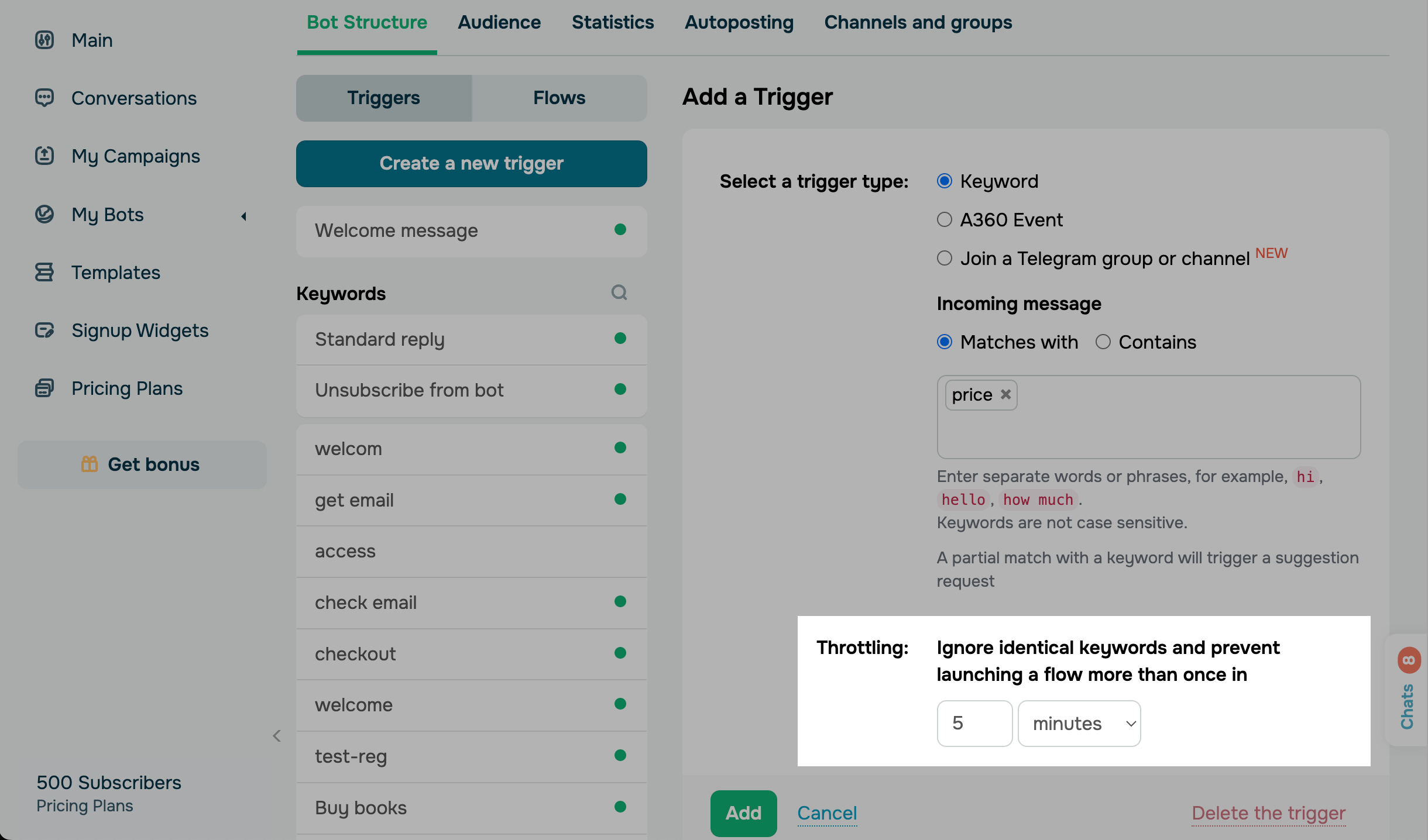
Your throttle interval defines how often a flow can be launched if its trigger is fired multiple times. You can specify the interval in minutes, hours, or days.
For example, let’s say that you have the price keyword and a 5-minute throttle interval. If a user sends a message with this keyword to your chatbot and then sends another message with the same keyword two minutes later, the flow linked to this trigger will be launched once.
Last Updated: 11.01.2026
or