Сreate a subscription
Subscriptions automate recurring payments for digital products and services. They help you manage subscriptions, monitor subscriber activity, and keep subscription data synchronized with your CRM.
Read also: Subscription basics.
Let’s talk about how to create subscriptions.
Create a digital product
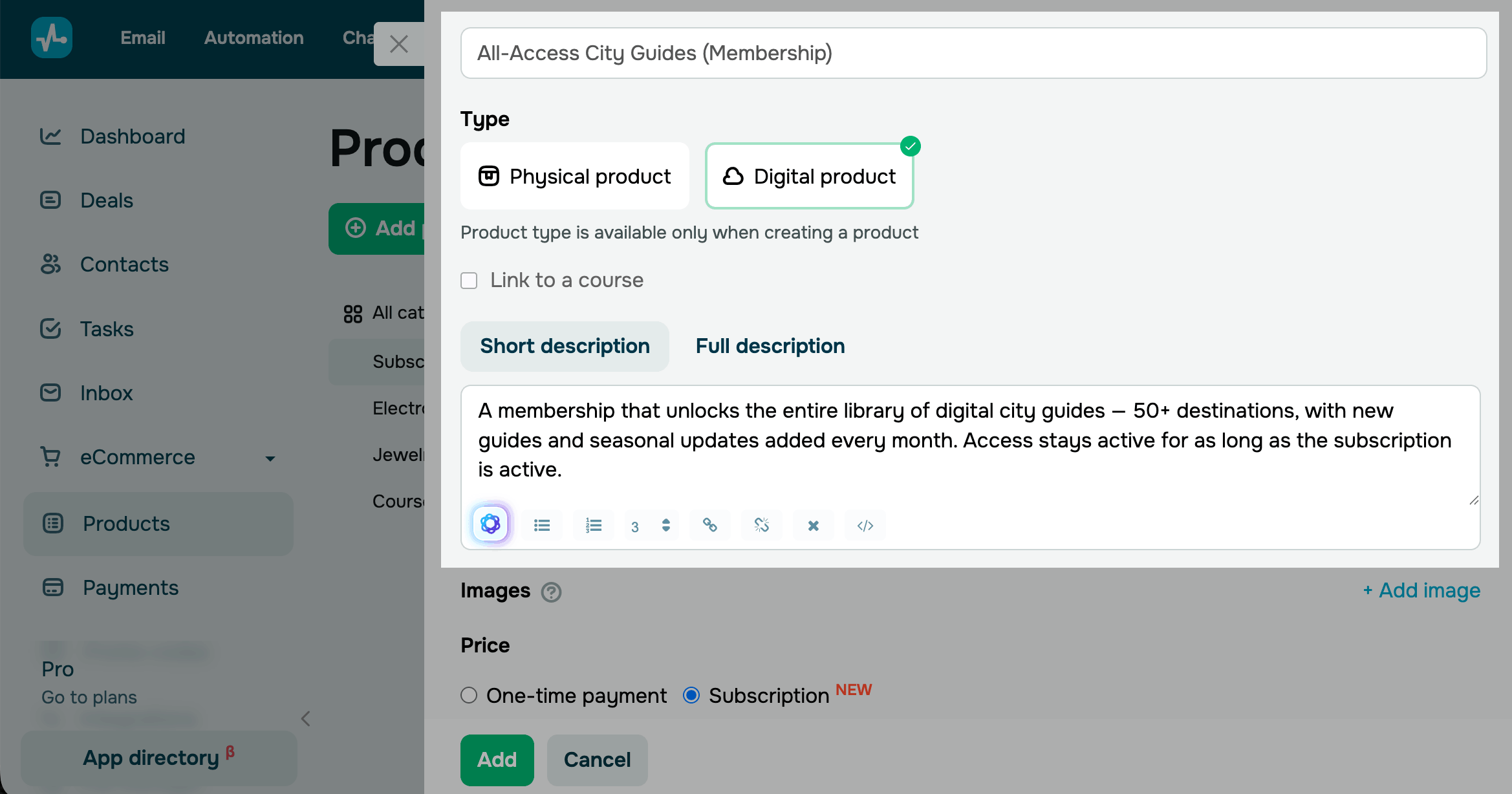
To create a subscription, go to eCommerce > Products and click Add product.
Add a product name and select the Digital product type. Then, add a short and full description. You can also format the text and generate or improve a description using AI.
We recommend giving the subscription a clear, specific name. In the description, explain what subscribers get and how often they are charged.
Set a subscription price
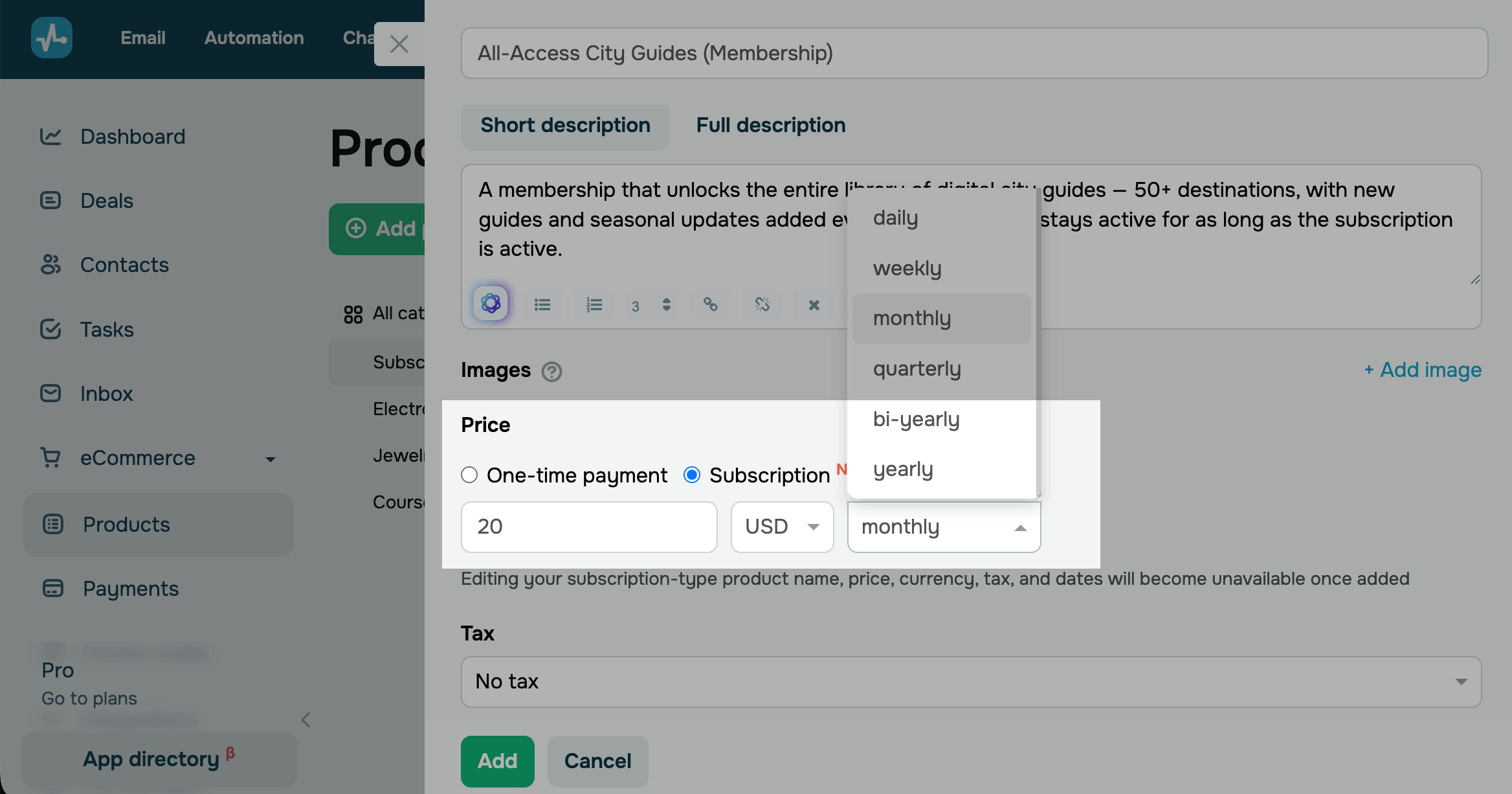
In the Price section, select Subscription. Enter a price and choose a currency.
Select a billing cadence SendPulse will use to charge your customers.
| Daily | Charges the customer every day. |
| Weekly | Charges the customer every week. |
| Monthly | Charges the customer every month. |
| Quarterly | Charges the customer every 3 months. |
| Bi-yearly | Charges the customer every 6 months. |
| Yearly | Charges the customer every 12 months. |
The subscription starts when the customer completes their first payment and stays active until it is canceled.
Add product attributes
Optionally, set a tax and add other product attributes, such as category, image, SKU, and properties.
After you finish adding details, click Add.
Once you save a subscription, you won’t be able to edit its name, price, currency, tax, or duration.
Complete the setup
After creating a subscription, add it to your chatbot flow or website, or generate a payment link.
Once the customer pays, the subscription appears in eCommerce > Payments > Subscribers, where you can track and manage it.
Read more: View digital product subscribers and Manage digital product subscriptions.
Last Updated: 20.01.2026
or