Set up a course program
You can customize the list of lessons that will be displayed to students in the student's account. Students will be able to open your lessons when the course start date comes.
To do this, go to the created course in the Lessons tab.
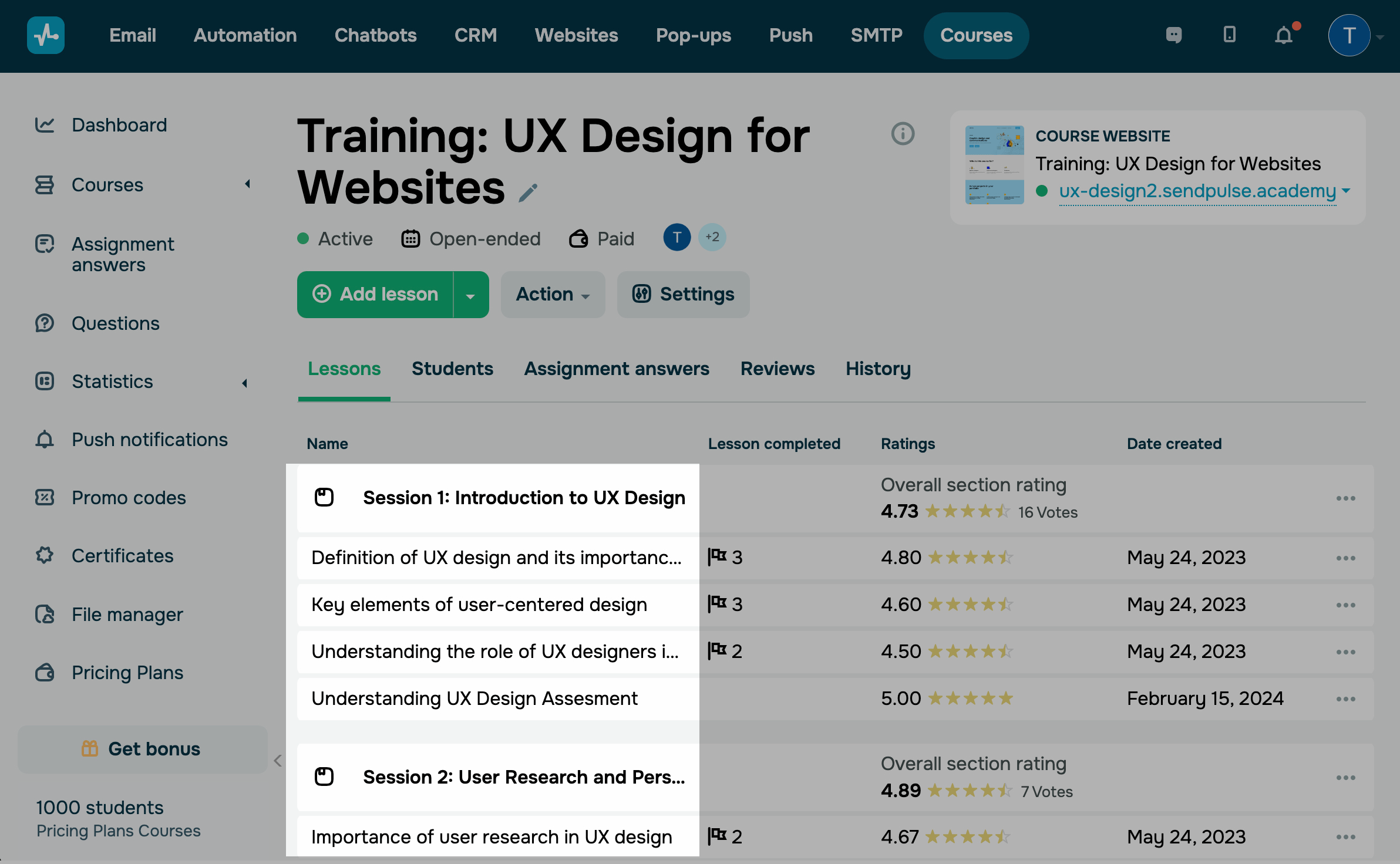
To rearrange the order of your lessons or sections, go to the lesson builder, and drag and drop them.
You can disable the option to open the next lesson if the student has not passed the previous one using the Course lesson flow setting.
To change the course start and end date, use the Course format setting in every pricing plan.
Last Updated: 19.05.2025
or