Find chats with chatbot subscribers
Using Conversations, you can access chats from all your chatbots across all channels in your SendPulse account — either via the web version or the mobile app. Here, you can respond to messages from subscribers of all connected chatbots.
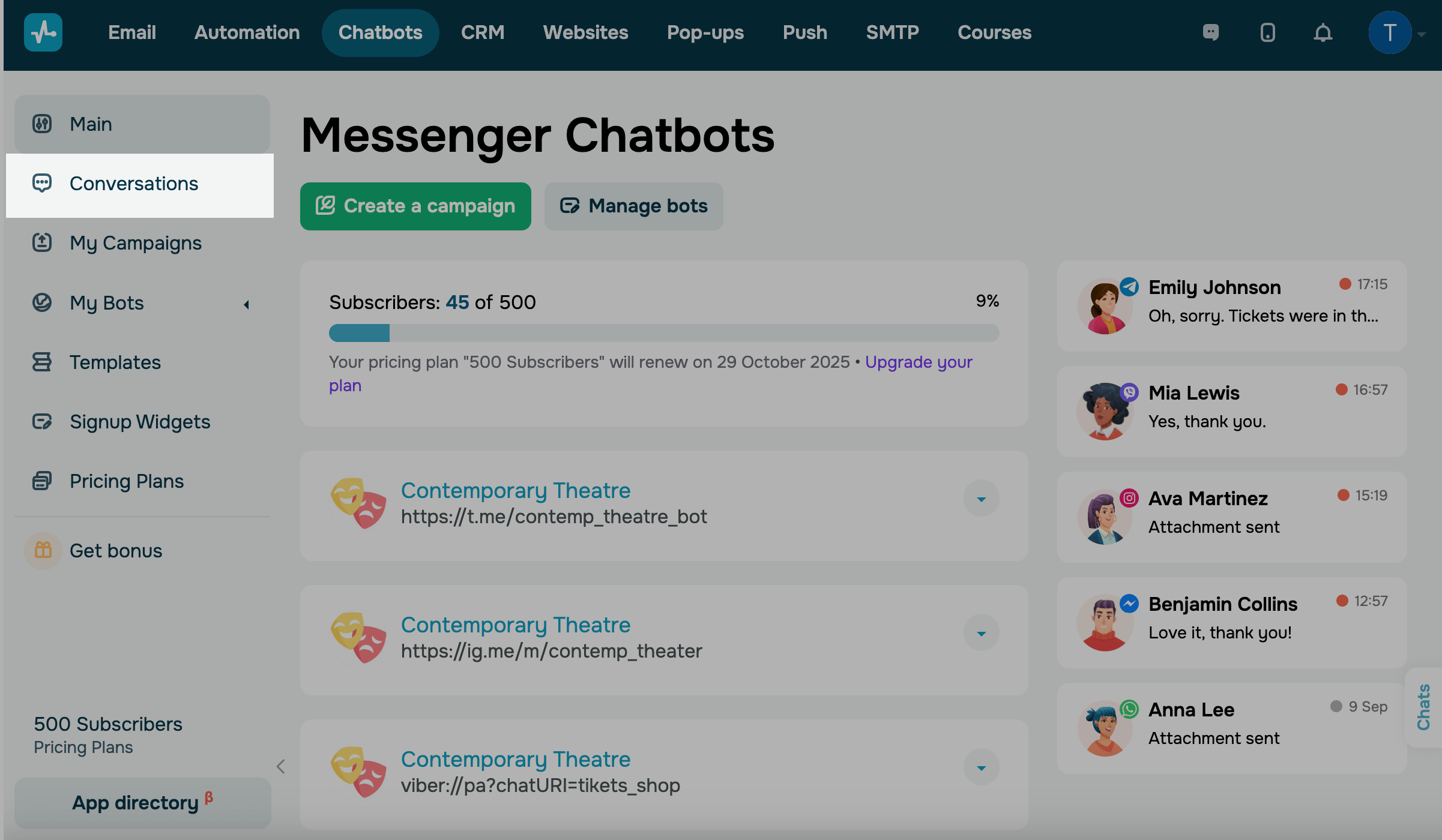
The Conversations tab
In the Chatbot section, go to the Conversation tab. Afterward, you will see the page with your chats with subscribers.
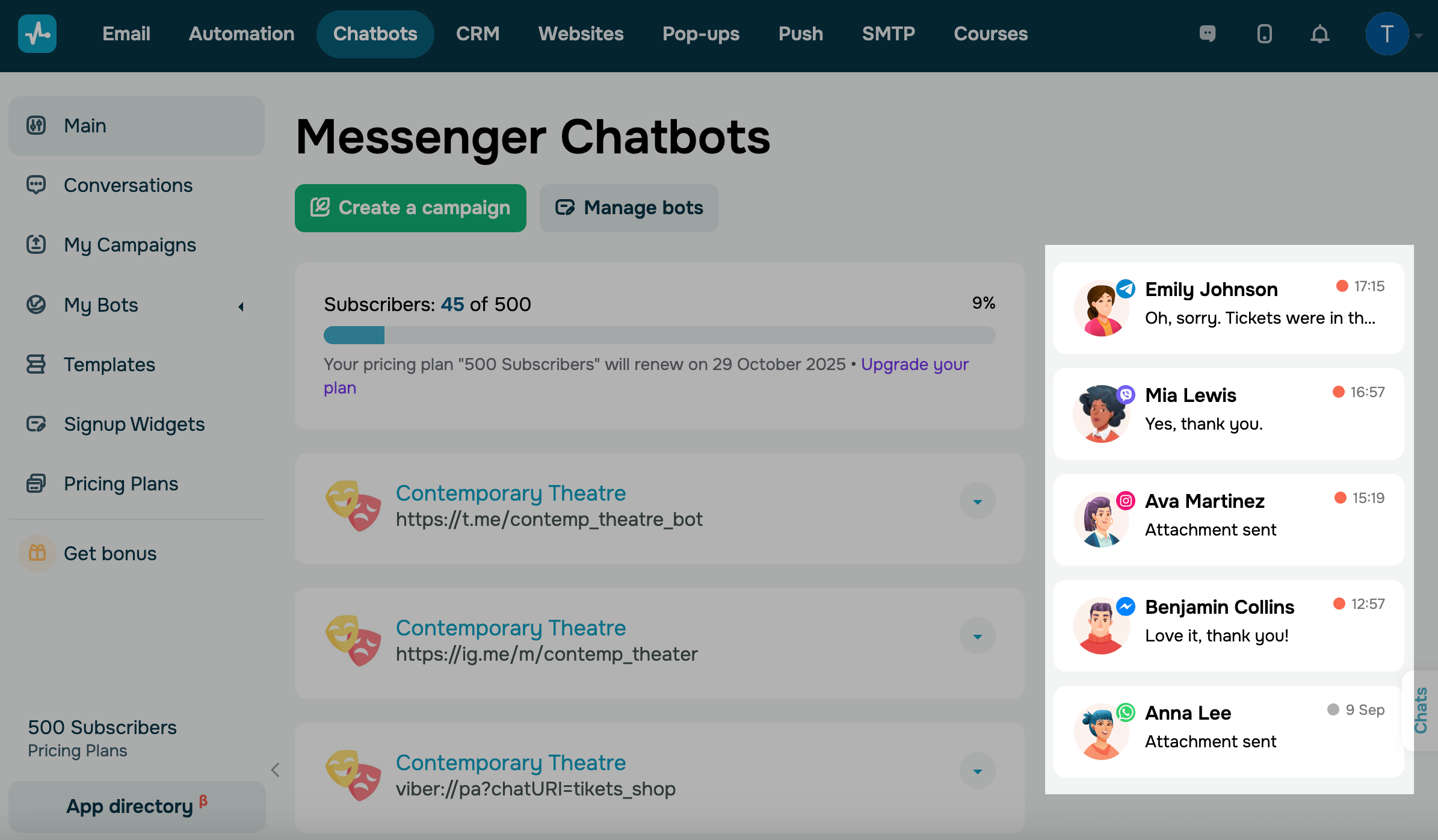
View recent messages
On the main page, you can view your recent chat messages with their status. Click a message to open the page with chats.
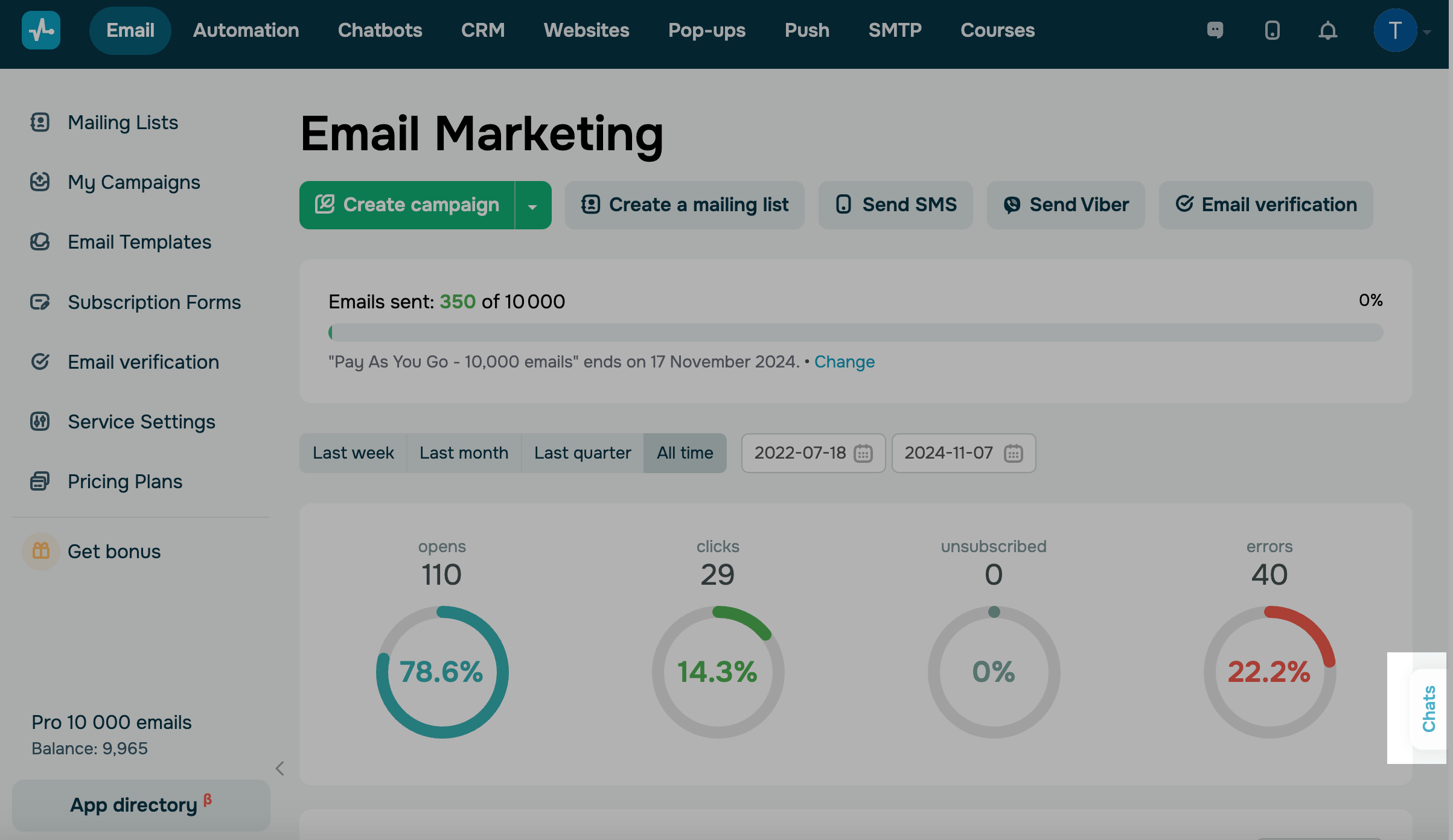
The Chats button
You can access the Chats button in all sections of your SendPulse account. This way, you can reply to your bot subscribers even from your CRM system or Email section.
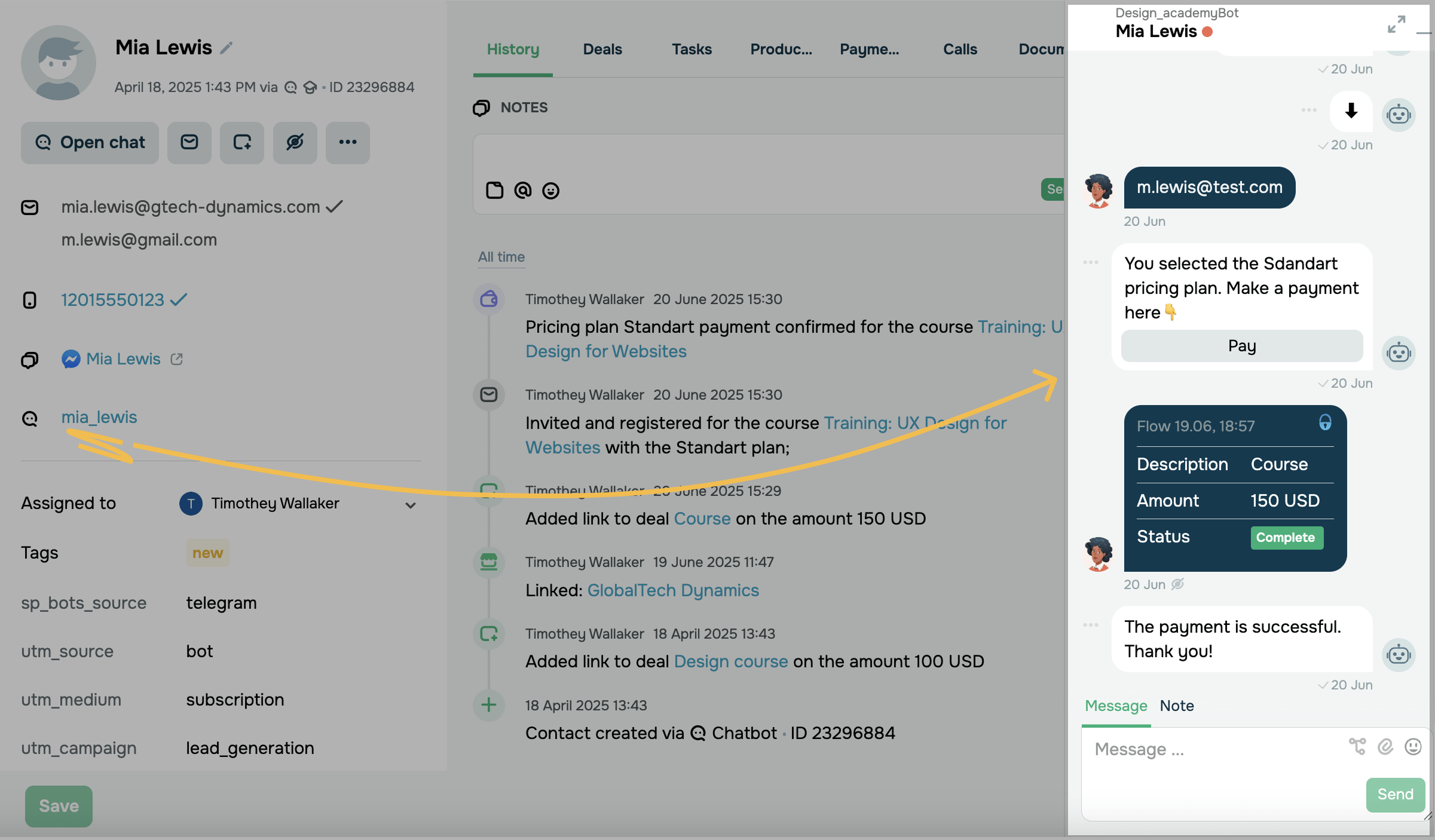
You can also open chats directly from a CRM contact card. Go to the contact card and click the messaging app link in the card.
Last Updated: 01.07.2025
or