Enroll in a course
You can start your learning journey in just a few steps, whether you've received a course invitation or found a course that interests you. Once you sign up, you'll be able to explore lessons, track your progress, and learn on any device.
In this article, learn how to sign up or sign in to your account and start your course.
Sign up
If you are invited to join a course, you will receive an email with a registration link. Follow it to go to a course website. If you have a link to a course landing page, follow it to sign up.
Click the signup button (its name may differ depending on the page design).
Enter your email address, and click Sign up.
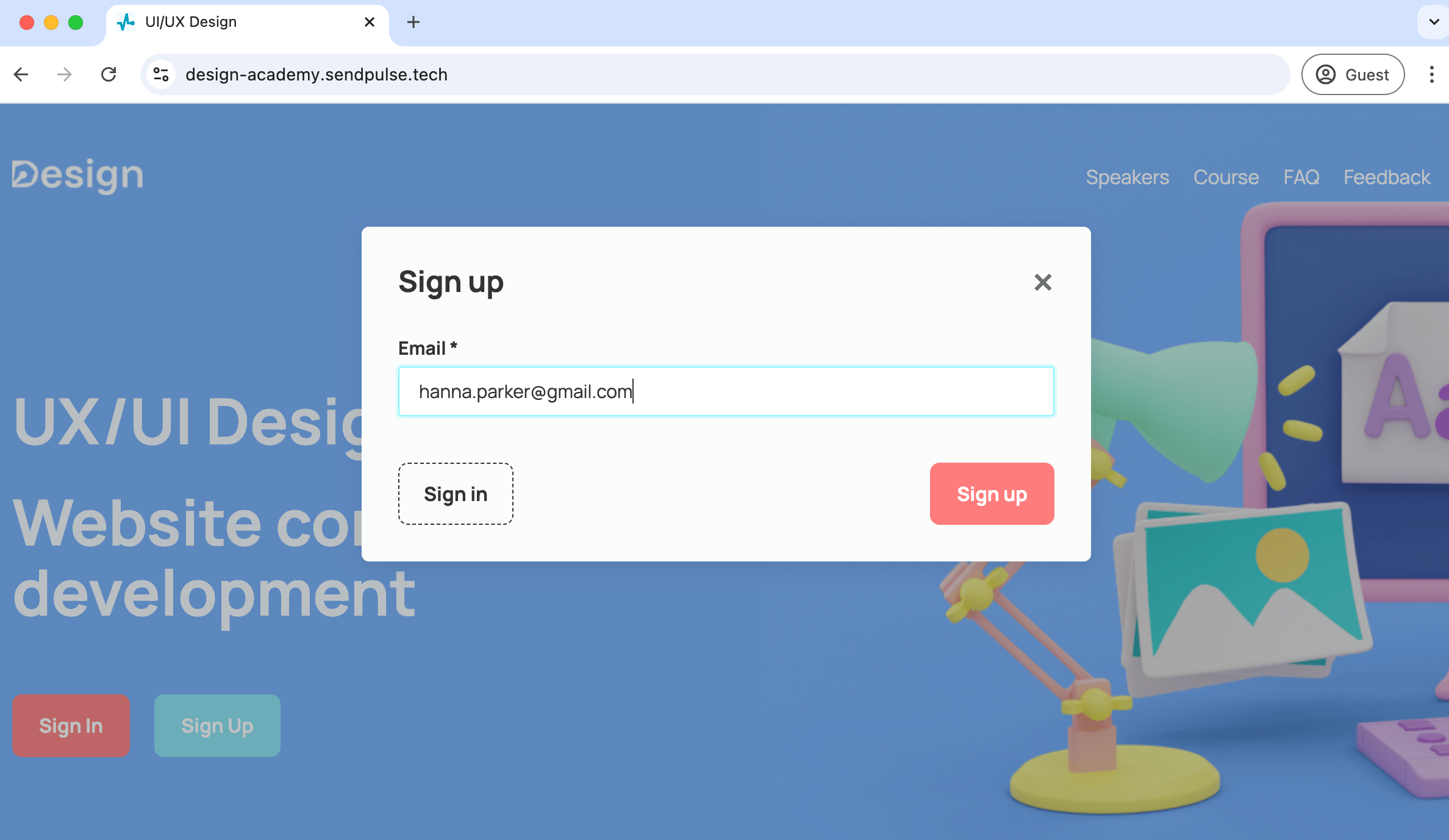
Then, you will receive a confirmation email and an automatically generated password that you can use to sign in. You can choose how to access your account via the received email:
- Follow the link that will redirect you to the login page. There, you need to enter your email address and automatically generated password and click Sign up for a course.
- Click the button to use the quick login.
You can always change your password in account settings.
Sign in
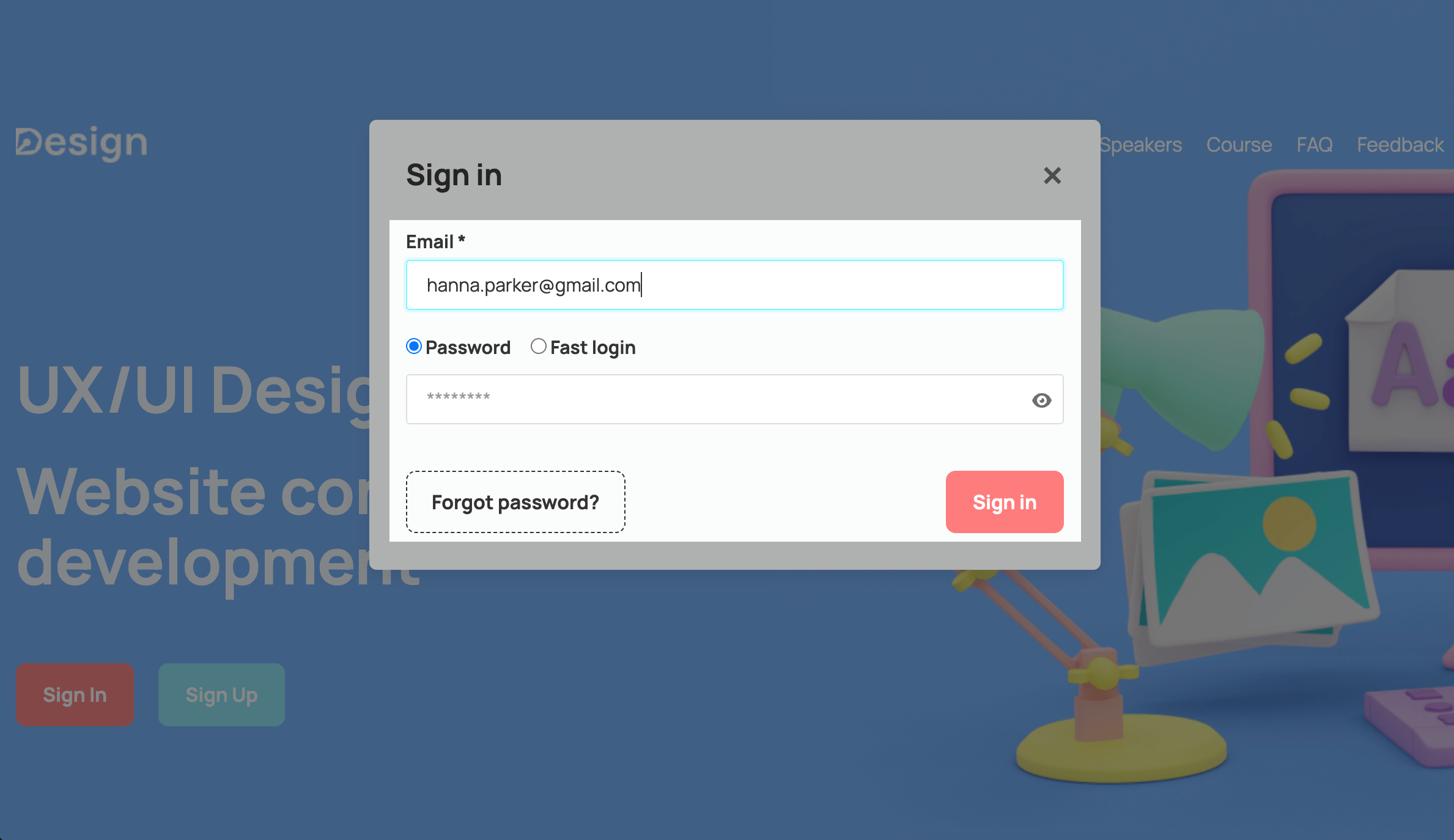
You can sign in to your account without registering if you are already enrolled in any course of the same instructor on this domain. To do this, click the login button — depending on the landing page design, it may be called "Sign in."
Log in using one of the methods:
| Password | Log in to your account the usual way.
Enter your email address and password, and click Sign in. |
| Quick login | Log in to your account without a password.
Enter the email address you specified during registration, select the Quick login option, and click Send. Afterward, you will receive an email with a sign in button — click it to start or continue studying. |
Last Updated: 20.05.2025
or