Take a test
In your student account, you can take tests that instructors add to lessons or course sections. Test scores are saved and may affect your course progress.
In this article, we will talk about how to take tests in your account.
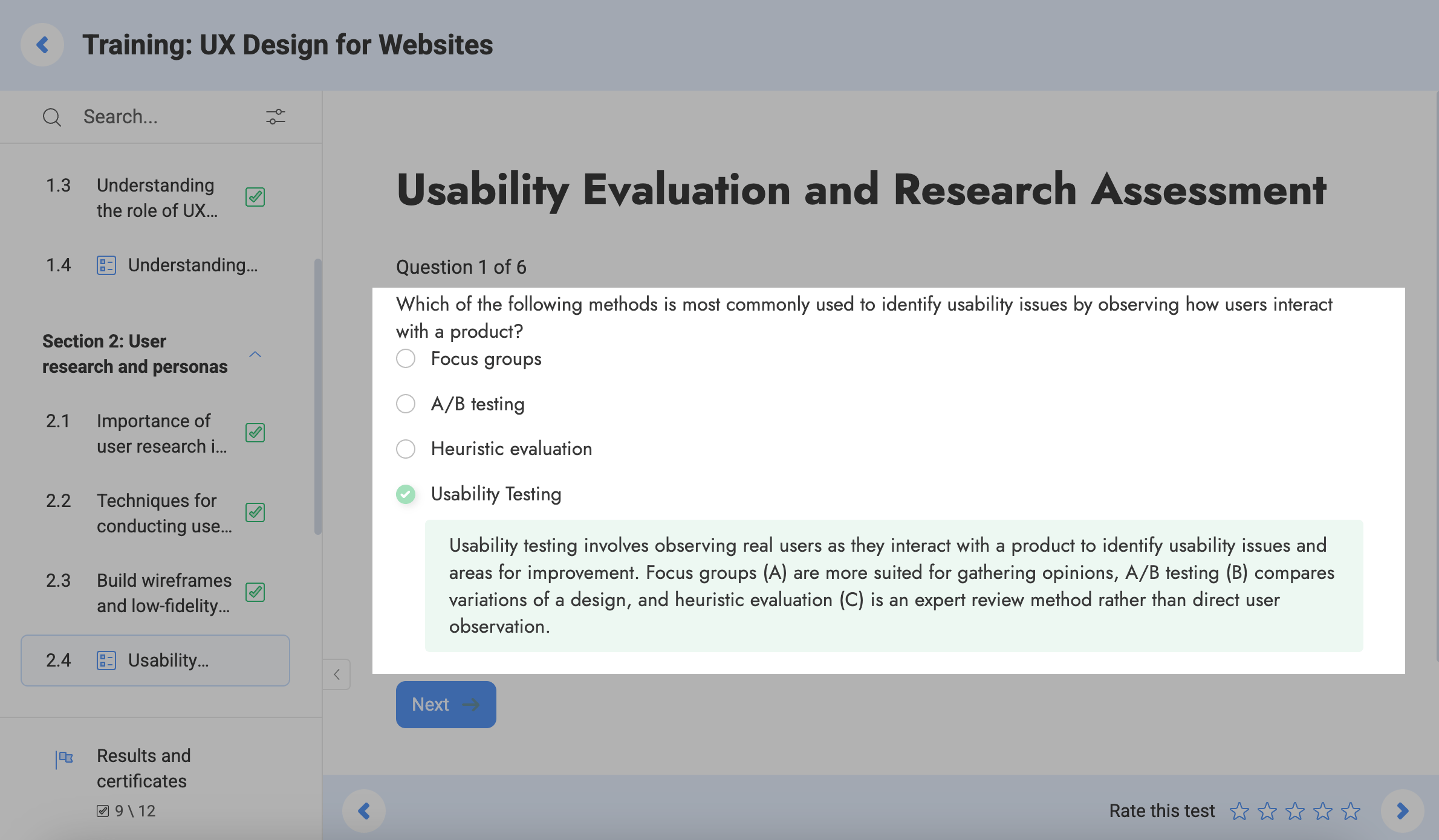
To answer a test question, select an answer, and click Next.
If an instructor enables the Show the correct answer option, you will see which answers are correct and which are not after they select an answer.
If an instructor also enables the Show answer explanations option, you will see your explanations to each correct answer.
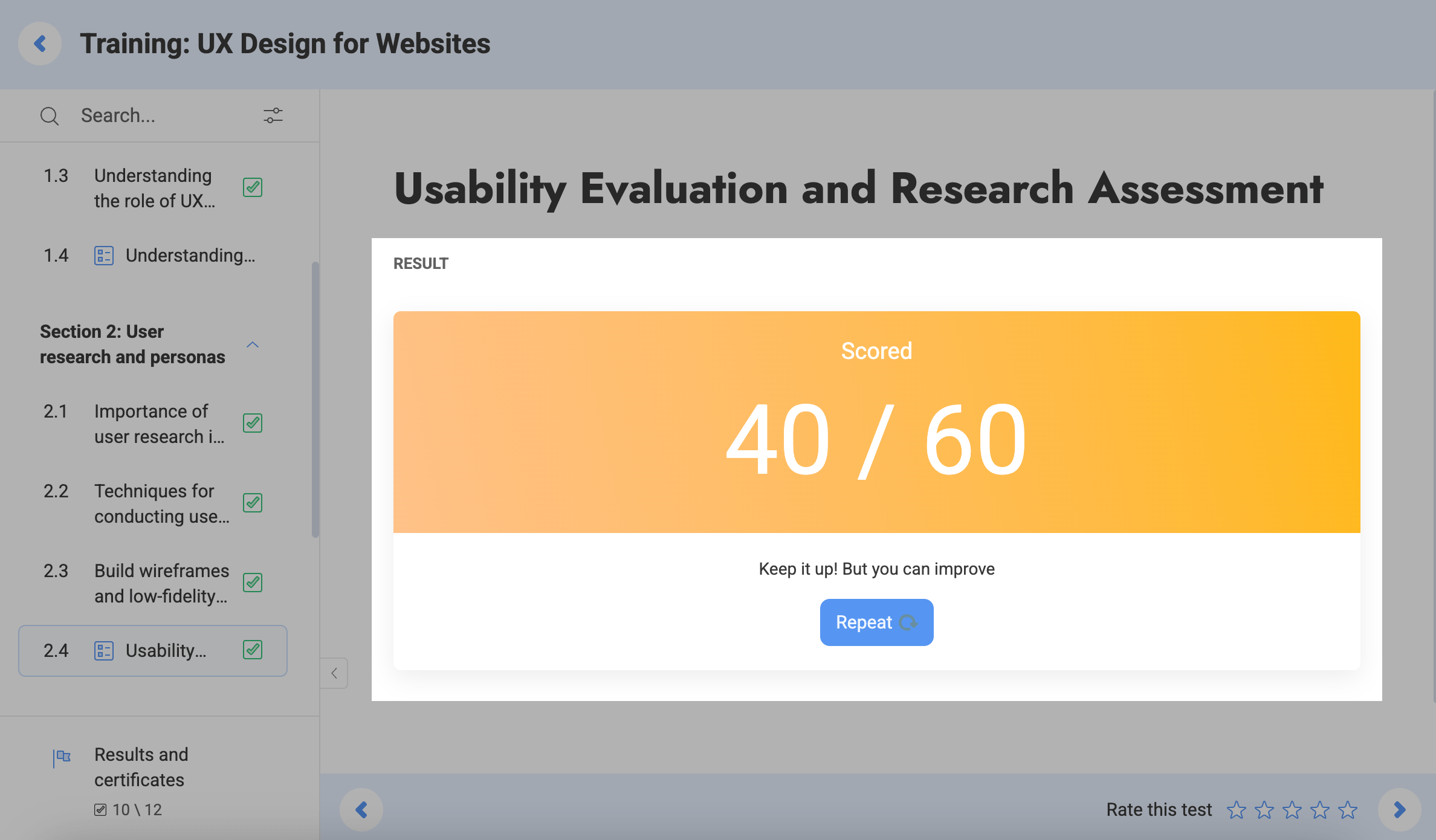
Once you complete the test, you will see your score.
If an instructor allows more attempts in the Attempts to pass option, you can take the test again. To do it, they need to click Repeat.
Last Updated: 14.07.2025
or