
Bulk messages and communication with customers
Use the WhatsApp Business API to send personalized campaigns from your brand and engage your audience.
24/7 WhatsApp customer support
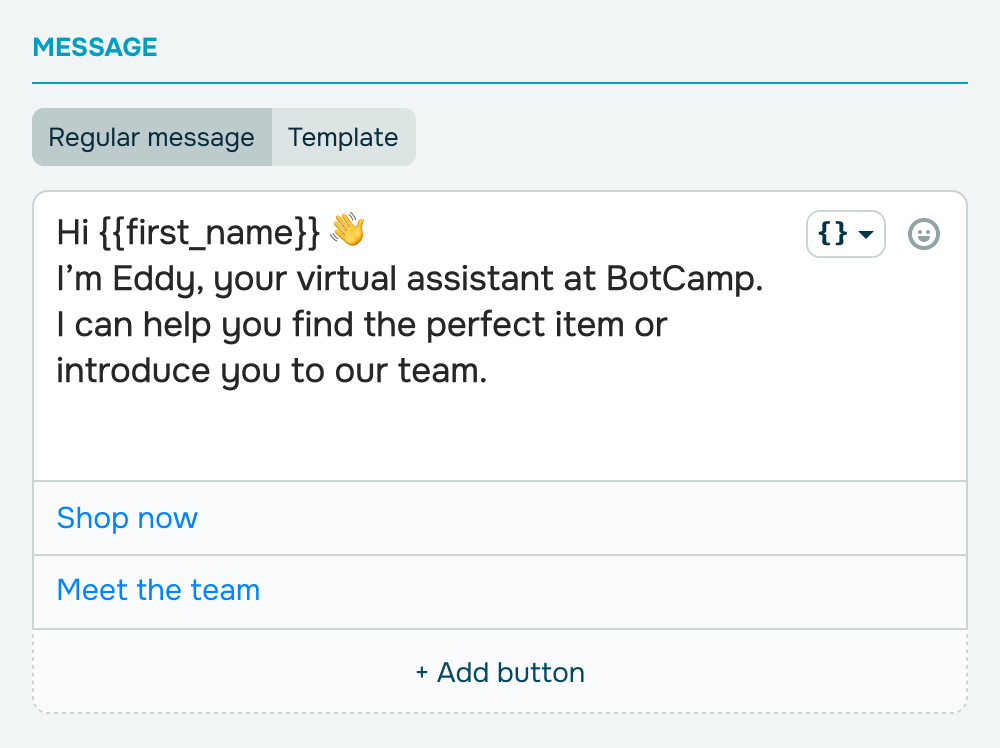
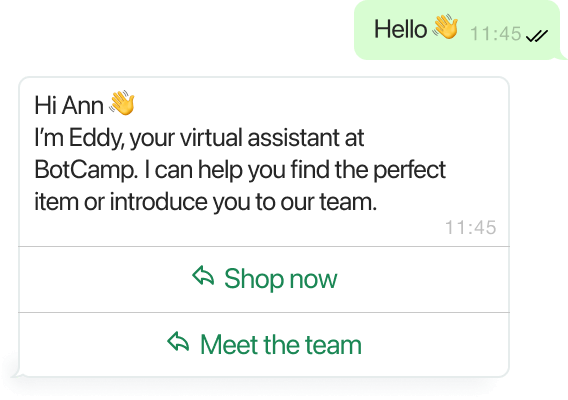
Customers often ask similar questions on prices, product availability and characteristics, working hours, and delivery options. Your WhatsApp chatbot can answer all these questions while your managers are taking care of more urgent matters.
Drive conversions with targeted WhatsApp marketing campaigns
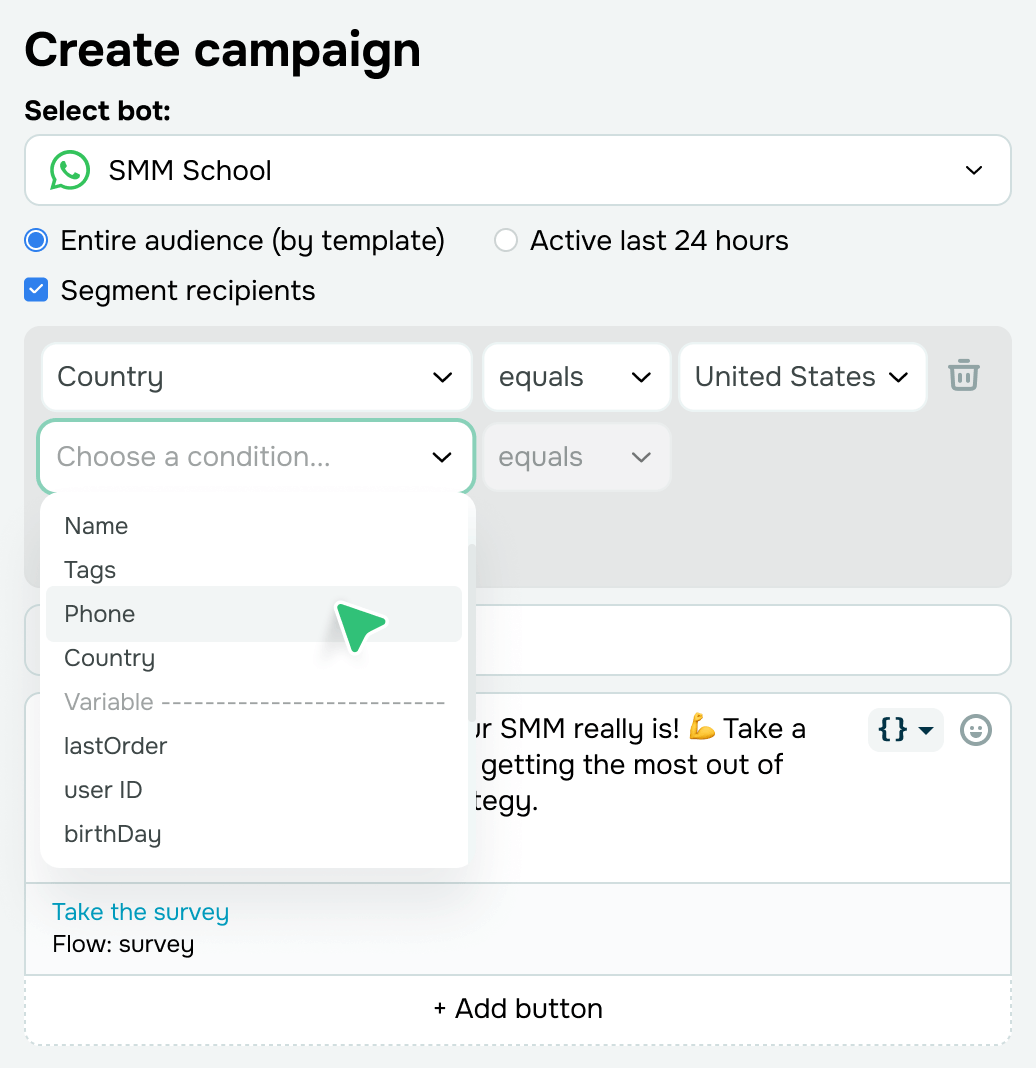
Segment your audience using tags, variables, subscription dates, and more so that every subscriber receives personalized content and the most relevant offers.
Leverage Meta Ads delivery optimization to target users with high open and click-through rates and convert more leads without breaking your budget.
Reply with free-form messages within the 24-hour window
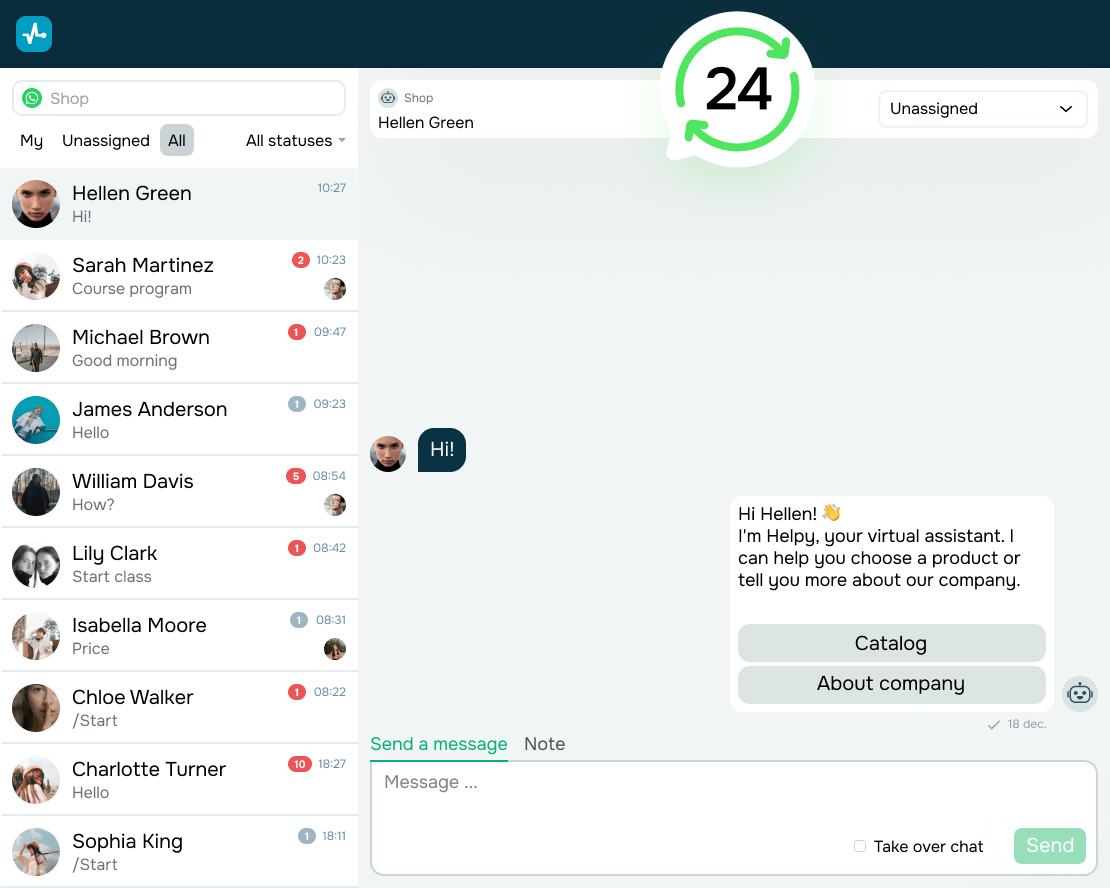
When a customer messages you first, you get 24 hours to reply without templates. Send order updates, login credentials, or interactive message cards with images, descriptions, and more. From October 1, 2026, Meta charges for these replies beyond your first 1,000 service messages per phone number each month.
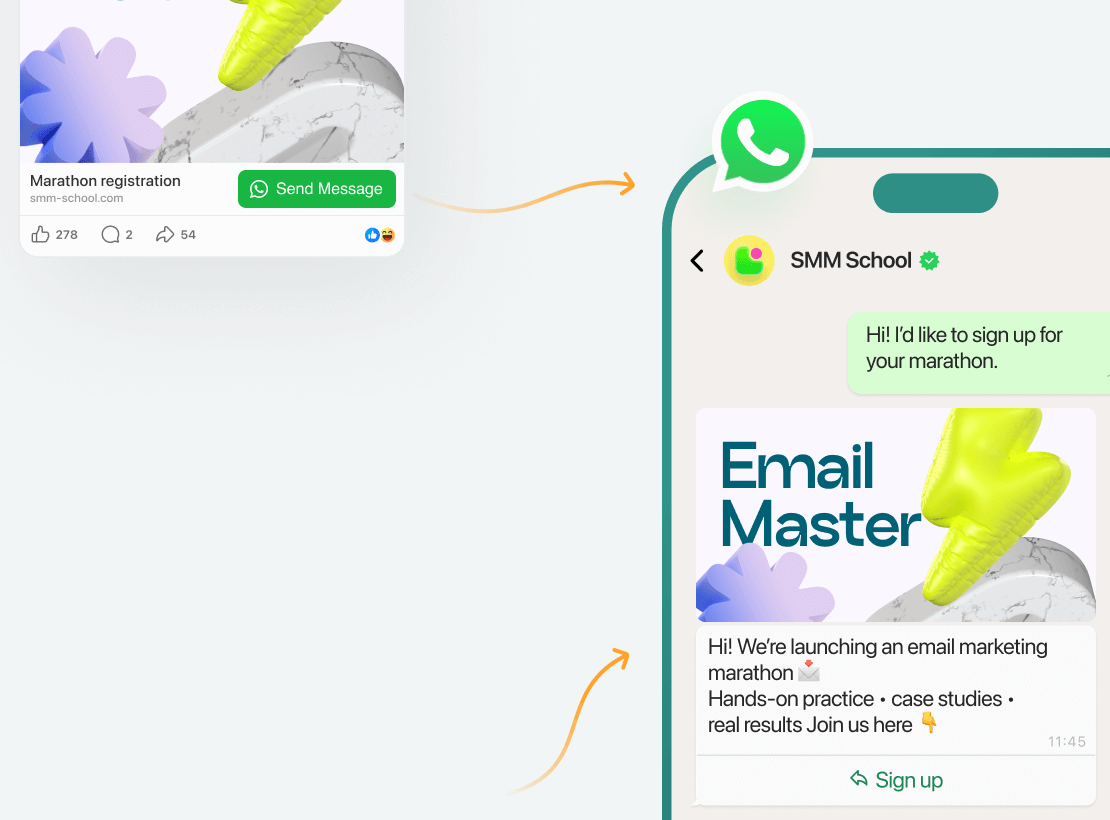
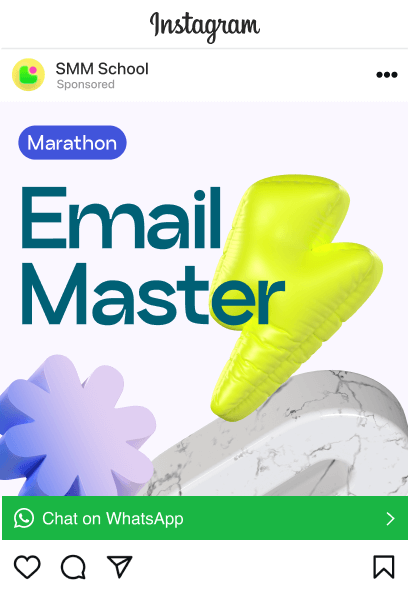
Chat at no cost for 72 hours after ad clicks
Message your customers for free for 72 hours when they start a chat from your Meta ad or Facebook CTA button. Link your ad to a specific flow and let your chatbot handle conversations for you. It can guide customers through your product or service, handle objections, and help them make confident choices, all while boosting conversions within the 72-hour messaging window.
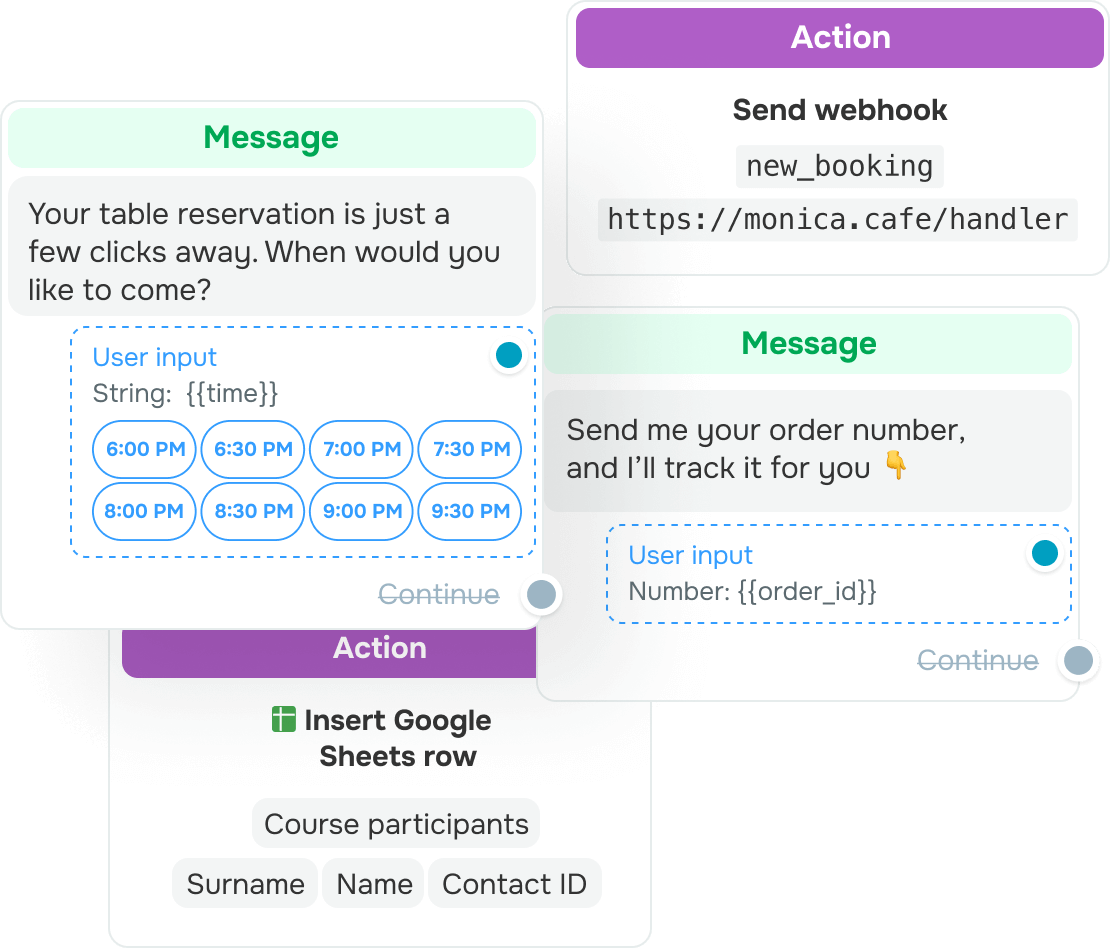
Collect and store customer data automatically
Use your WhatsApp chatbot to capture customer data for bookings, consultations, webinars, and course enrollments right in the chat. Add variables to your chatbot flow links to automatically save new subscriber data for smarter segmentation, personalization, and in-depth traffic insights.
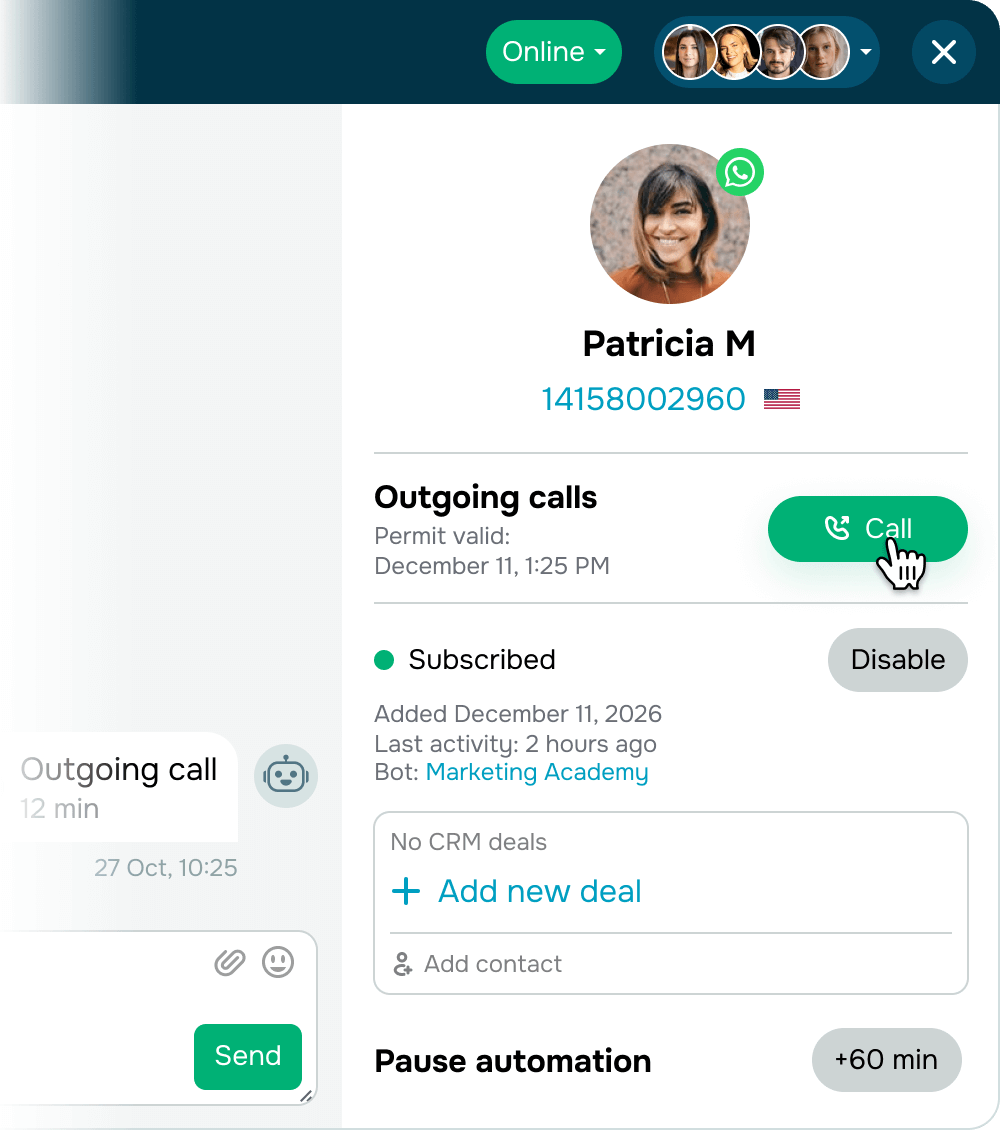
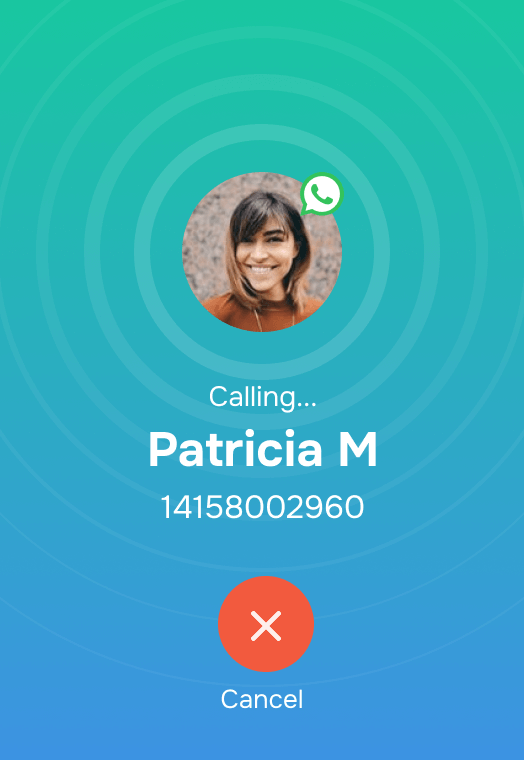
Go beyond chats with WhatsApp calls Soon
Enable WhatsApp calls in your chatbot settings and let your subscribers call you whenever they need personal assistance. Once a subscriber opts in temporarily or permanently in chat, you can initiate calls from your business account to offer instant support and handle time-sensitive messages faster.
SendPulse is your official WhatsApp Business API Provider
Connect your phone number to the WhatsApp Business API and manage your communication with customers on any device by distributing chats between your managers

No setup fees
Connect your WhatsApp channel without having to pay for any additional services with any of SendPulse’s paid chatbot pricing plans. Read more about WhatsApp channel activation requirements on our pricing page.
More →

Start conversations with pre-made templates
More →

Chatbot automation
More →

No extra monthly fees
More →

Quick setup and 24/7 support
More →

All your marketing channels on a single platform
More →
WhatsApp API is a better way to reach your customers — perfect for mid-size or large businesses
What makes the WhatsApp Business API better than the standard WhatsApp app and WhatsApp Business
WhatsApp Business
It integrates seamlessly with the WhatsApp Business API.
WhatsApp Business API

Create your WhatsApp chatbot in a few steps
- Create business accounts on Facebook and WhatsApp, then create a SendPulse account.
- Head to “Chatbots” → “Manage bots” and click “Connect” next to WhatsApp.
- Connect your phone number to the WhatsApp Business API or migrate an existing one to SendPulse.
Integrations with other platforms

SendPulse API and webhooks
Use the SendPulse API to access account, subscriber, and chat data and manage campaigns, chatbot flows, variables, and tags based on these insights. Set up webhooks to send chatbot events to third-party systems for more complex analysis and workflow customization.
SendPulse API
Integration with Make
Route order, payment, abandoned cart, and other data from third-party systems to SendPulse to automate WhatsApp messages and organize contacts with tags.
Learn more
Integration with Google Sheets
Sync data between your WhatsApp chatbot and Google Sheets to log leads and customer requests in spreadsheets automatically. Retrieve real-time customer data to deliver more personalized messages.
Learn more
Conversions API
Share leads, purchases, and other conversion events from your WhatsApp chatbot with Meta Events Manager through the Conversions API. Track campaign performance and help Meta’s algorithms optimize ad delivery.
Learn moreVideo guides on WhatsApp marketing

WhatsApp Chatbot Launch Triggers

How to Create a WhatsApp Chatbot
WhatsApp Chatbot Features

What is WhatsApp Business API? (Message Pricing)
How to Use WhatsApp to Automate and Drive Business Results | Webinar

How to Create a WhatsApp Campaign (Templates for Campaigns)
WhatsApp Marketing in 2025: Everything You Need to Know
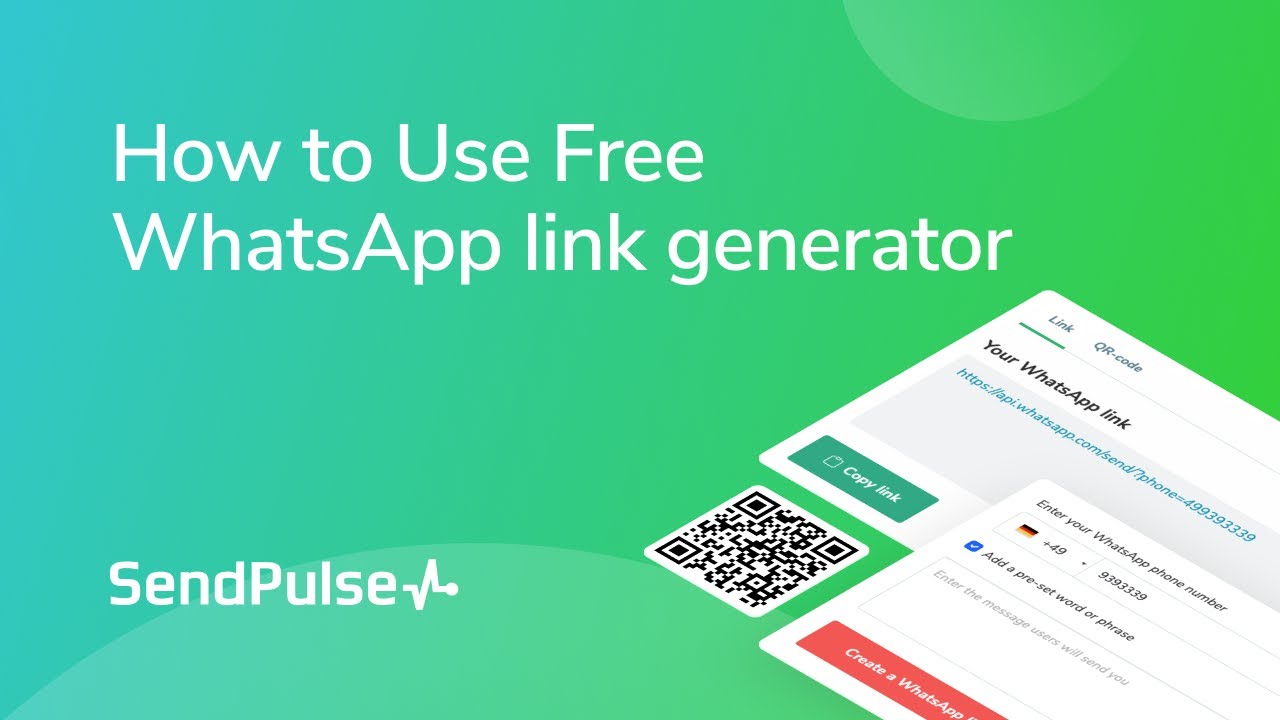
How to Use Free WhatsApp link generator

How to create a WhatsApp сampaign
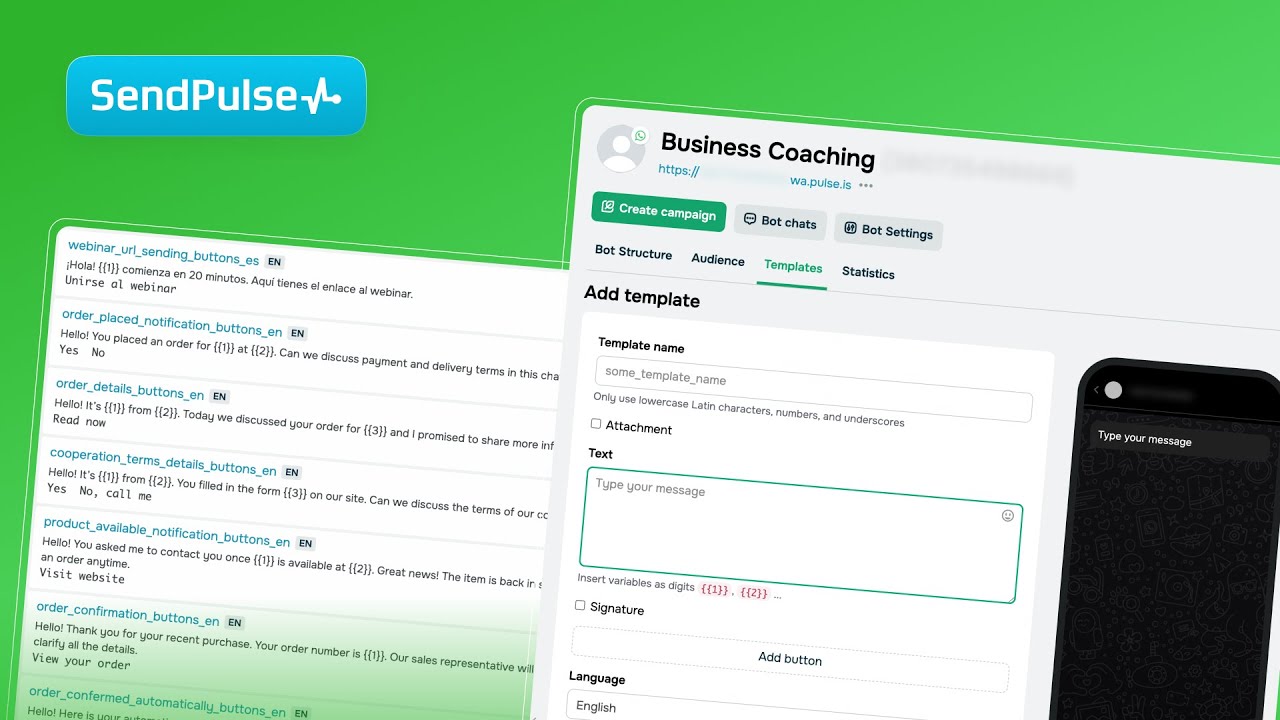
How to add a template for WhatsApp campaigns

How to create an automated flow for a WhatsApp chatbot
How to create a WhatsApp сampaign
How to create an automated flow for a WhatsApp chatbot
How to add a template for WhatsApp campaigns

Setup Your AI Agent in SendPulse
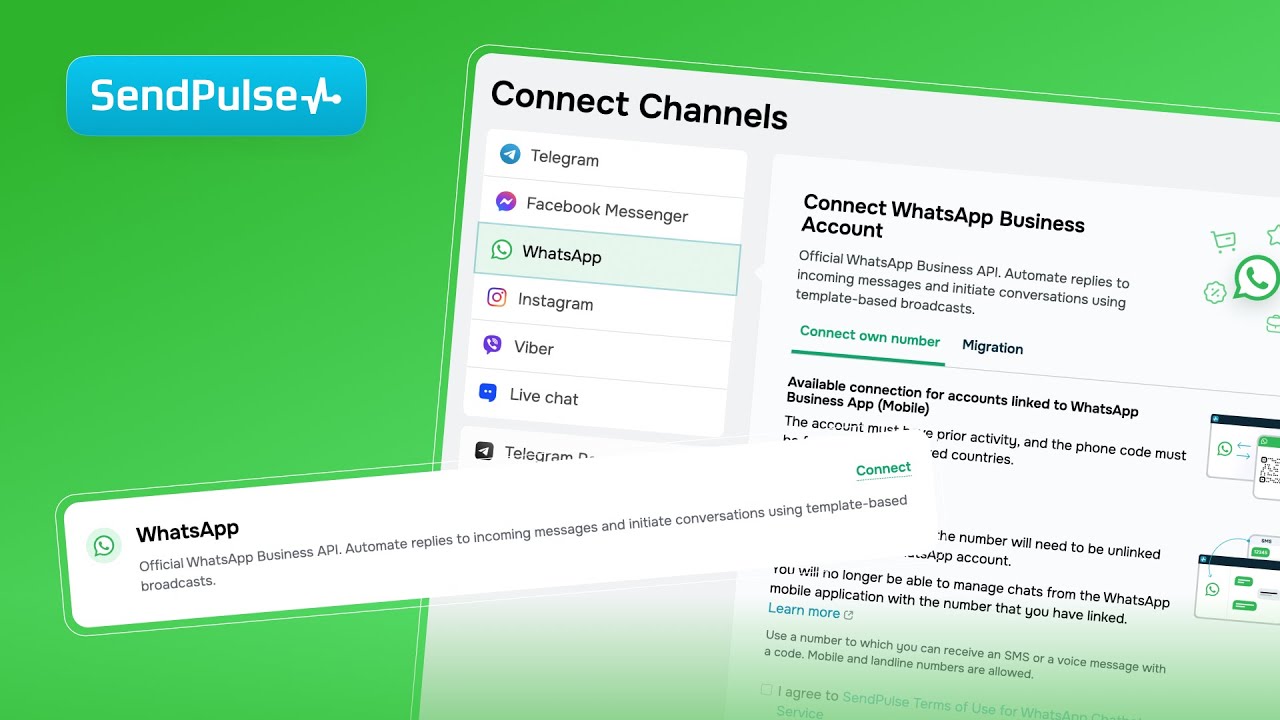
Build a WhatsApp Chatbot in Minutes (No Coding Required)

Complete Meta Business Verification & Build Your First WhatsApp Bot in Minutes

Referral program in SendPulse-powered chatbots: step-by-step setup guide
FAQ
How do I use the WhatsApp Business API and create a chatbot?
You can use the WhatsApp Business API for free with any paid chatbot builder plan.Sign up or log in to your SendPulse account and select a paid plan. Then go to the “Manage bots” tab and click “Connect” next to WhatsApp. Link your phone number to the WhatsApp Business API or migrate it from another provider to SendPulse.
Follow our detailed self-help guide on how to create a WhatsApp chatbot.
How do I switch to SendPulse from another WhatsApp BSP (Business Solution Provider?
Once you click “Connect” next to WhatsApp, go to the “Migrate” tab and type in the phone number you use for WhatsApp Business API. Then log in to your Facebook account and follow on-screen instructions to complete the setup and secure a successful phone number migration.
How many recipients can I send messages to within 24 hours?
WhatsApp applies messaging limits based on your sender tier. At the first tier, you can message up to 1,000 unique customers in a rolling 24-hour period. Learn more about current messaging limits, how to check your rating, and how to upgrade to a higher tier.
How do I create an auto-flow for my WhatsApp chatbot?
Go to your WhatsApp chatbot in SendPulse → “Bot Structure,” then create or select a trigger to launch a flow. Single out your chatbot goal and start designing your chatbot flow by adding and linking flow elements to build smooth conversations. Learn more about how to create chatbot flows in our detailed self-help guide.
How can I create a bulk messaging campaign in WhatsApp?
To create a WhatsApp campaign in SendPulse, go to “Chatbots,” click “Create a campaign,” and select your WhatsApp chatbot. Send messages to your entire audience or only to those who have interacted with your chatbot in the last 24 hours. You can also segment recipients if needed. Add your message content and buttons, then schedule your campaign.
Learn more about how to create a WhatsApp campaign in our self-help guide.
What is a template message, and how can you create your own templates for WhatsApp campaigns?
A template-based campaign is a WhatsApp message sent using pre-approved Meta content that you can customize using variables. Templates help you start conversations when it matters most.
To create your own template in SendPulse, go to your WhatsApp chatbot, head over to the “Templates” tab, and click “Add template.” From there, add text, emojis, and buttons, set a language and category, and submit your template for moderation. Once it is approved, you can use this template to create WhatsApp campaigns.

Official WhatsApp Business API Provider
Connect to WhatsApp
And be there for your customers
Connect to the WhatsApp Business API
or