Cline AI Coding Agent
Cline is an extension for popular code editors with a built-in AI agent that works under your supervision. Connect the MCP server to Cline and let your AI agent handle routine tasks across SendPulse tools.
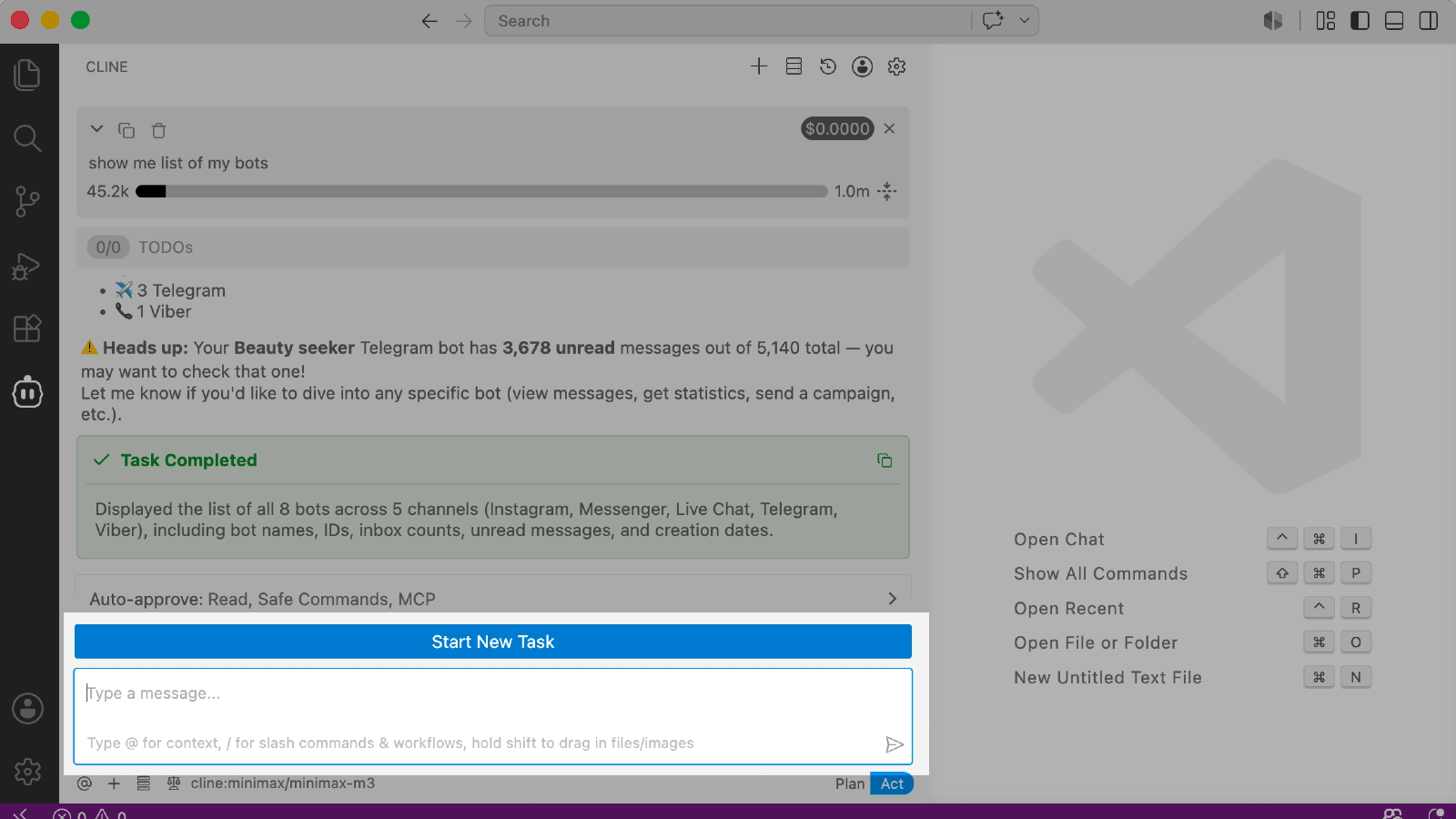
What Cline can do
A familiar interface for developers. Cline installs as an extension for Visual Studio Code, JetBrains, and other editors. If your team already works in one of them, connecting the MCP server and managing SendPulse tools will fit naturally into your existing workflow.
Lower costs. Unlike most alternatives, Cline is free. You can connect any of the 30+ supported AI providers and pay only for the model you use.
Control over how autonomous your AI agent is. By default, Cline asks for your permission before every action. To speed things up, turn on Auto Approve mode and let your agent use SendPulse MCP tools automatically.
How to connect the MCP server to Cline in Visual Studio Code
Step-by-step instructions with screenshots are available in our knowledge base.
Open Visual Studio Code and go to Cline in the editor sidebar.
Sign in to your SendPulse account and go to your account settings → API → Credentials.
Copy your Client ID and Client Secret — you will need them to set up the MCP server.
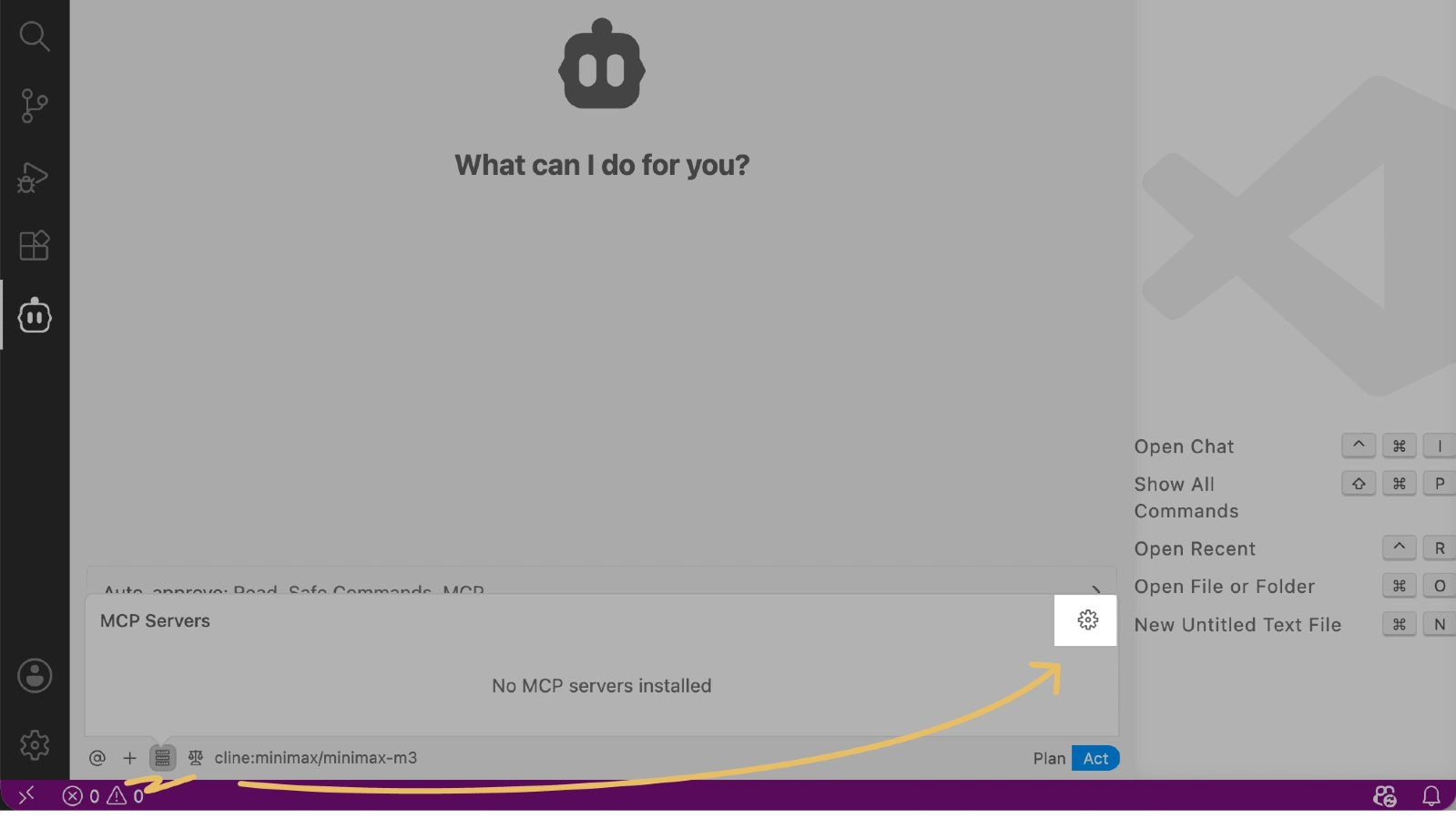
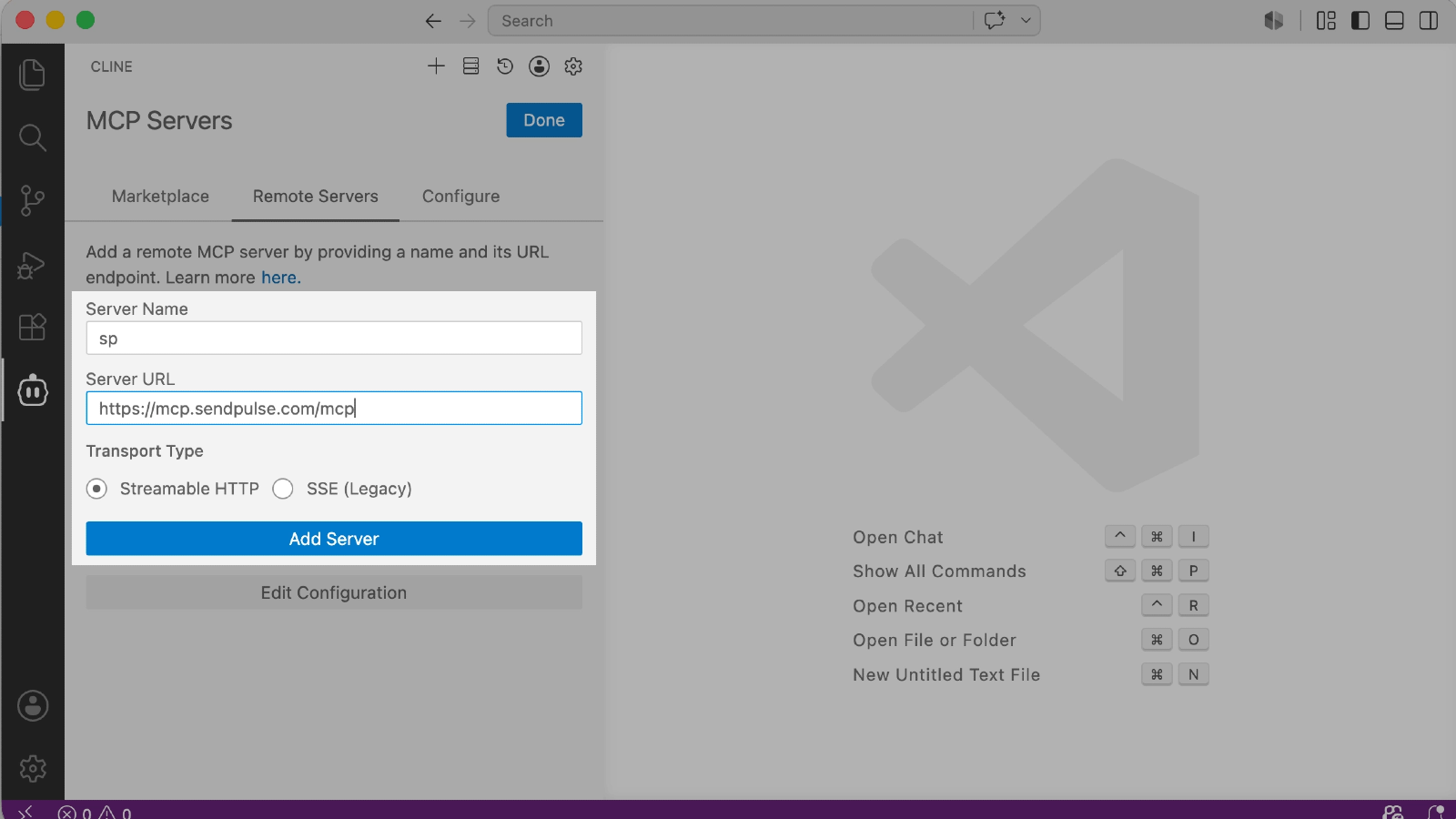
In the Cline panel, go to MCP Servers and click Configure MCP Servers.
The cline_mcp_settings.json configuration file opens. Paste this JSON into it, replacing YOUR_CLIENT_ID and YOUR_CLIENT_SECRET with your own keys:
{
"mcpServers": {
"sendpulse": {
"url": "https://mcp.sendpulse.com/mcp",
"headers": {
"X-Client-ID": "YOUR_CLIENT_ID",
"X-Client-Secret": "YOUR_CLIENT_SECRET"
},
"disabled": false
}
}
}
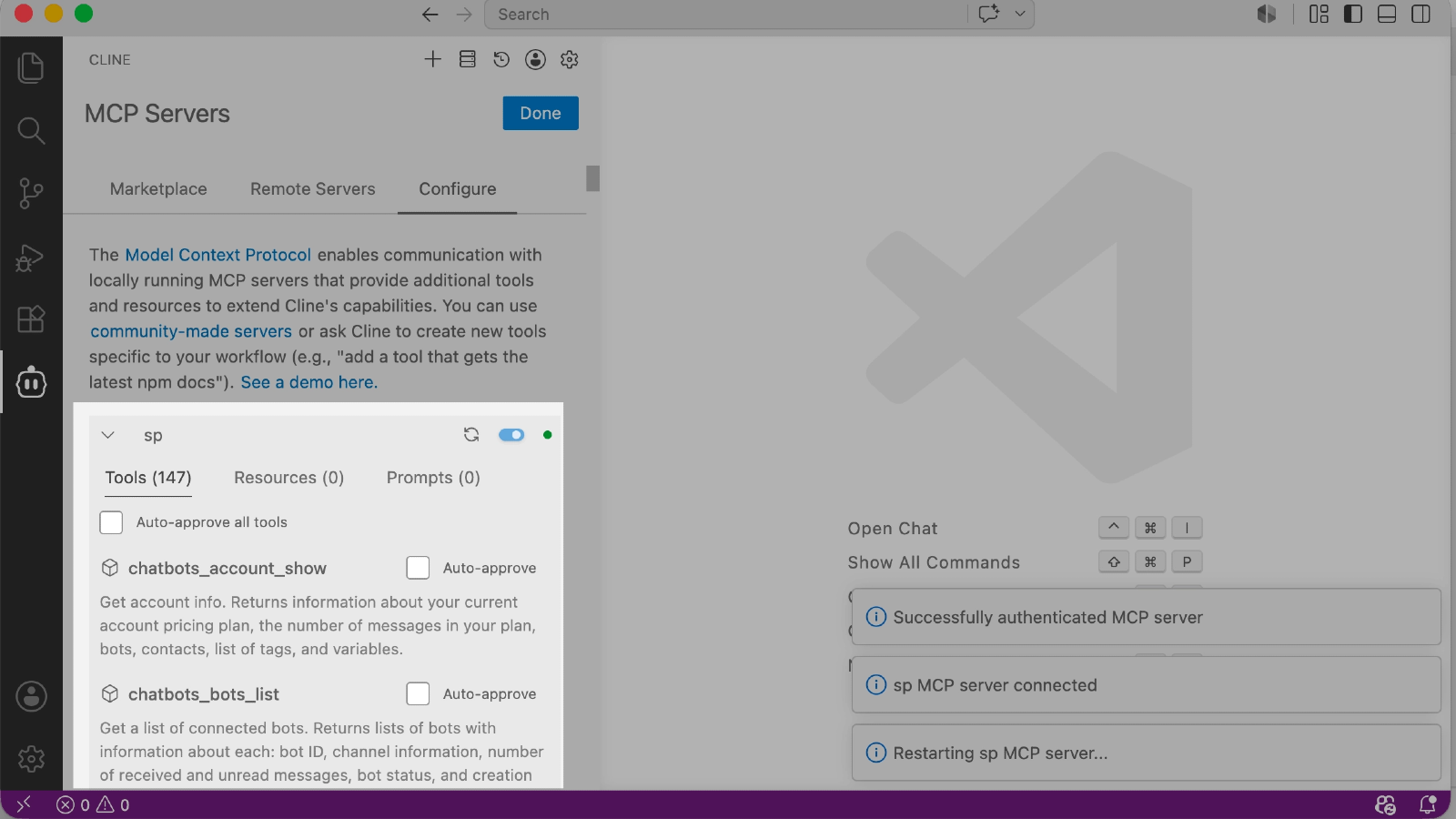
Save your changes and return to MCP Servers in Cline. The sendpulse server appears in your server list with the Connected status.
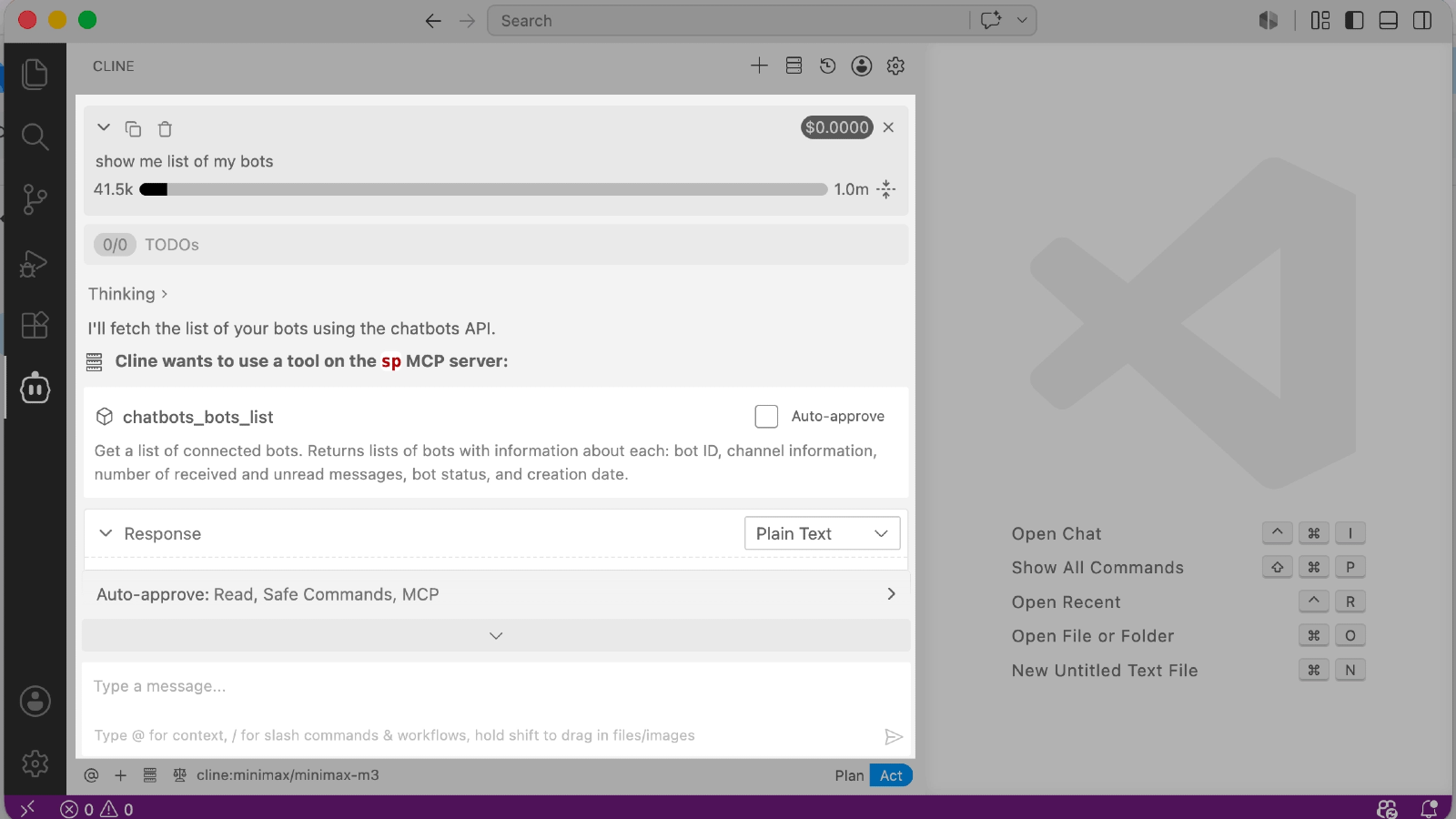
Open the Cline chat and send a test request — for example, "Show a list of my chatbots." If the connection succeeded, Cline calls the MCP server and returns data from your SendPulse account.





or