SendPulse SMTP Skill
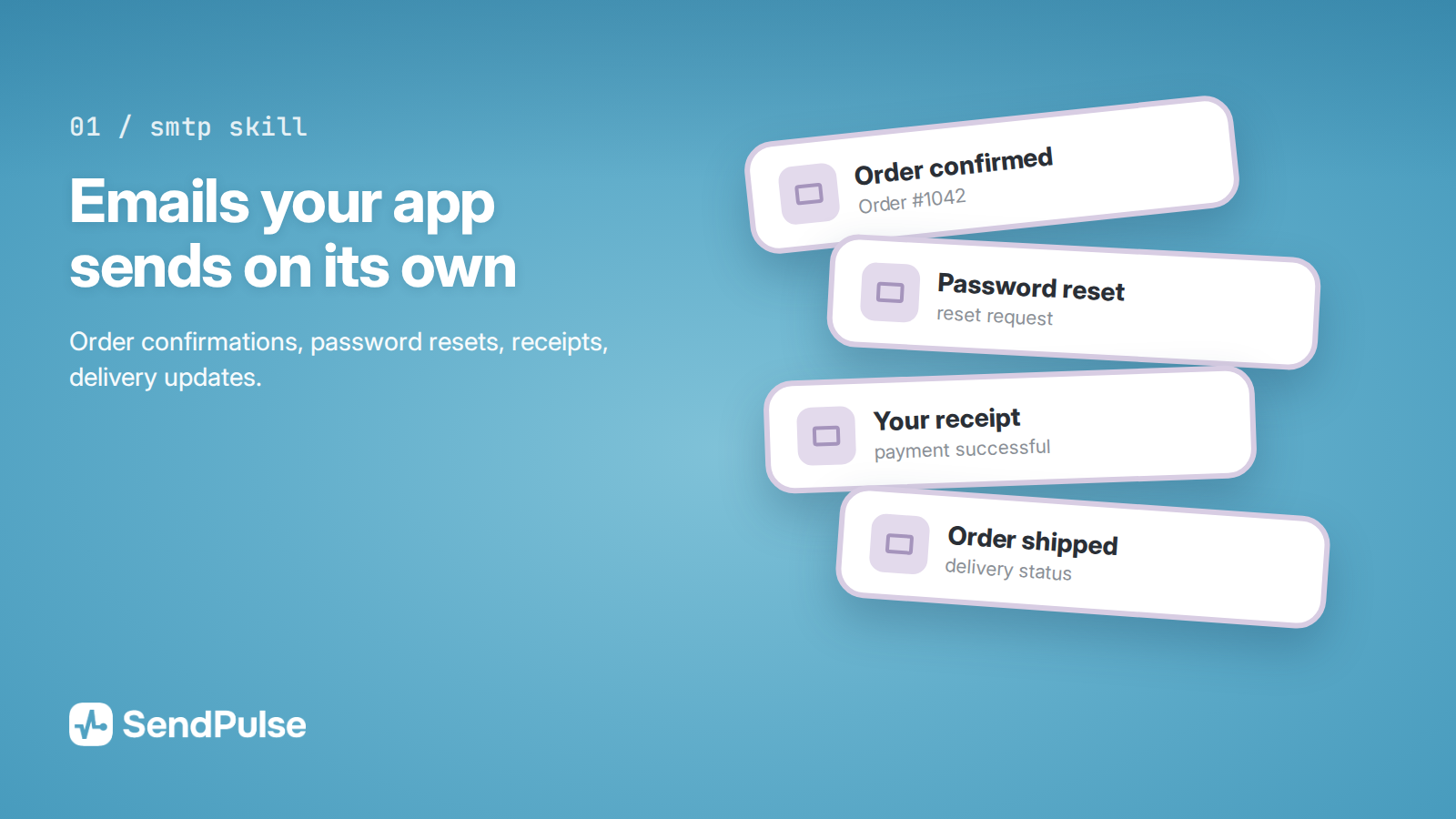
A skill for transactional email — the messages your site or app sends on its own: order confirmations, password resets, receipts, and delivery updates. The assistant walks you through connecting SendPulse SMTP, writes working code for your stack, and tells you what to do when an email doesn't arrive or lands in spam. This is where teams usually get stuck: authorization works, but nothing sends. The skill turns that into a single conversation.
Features
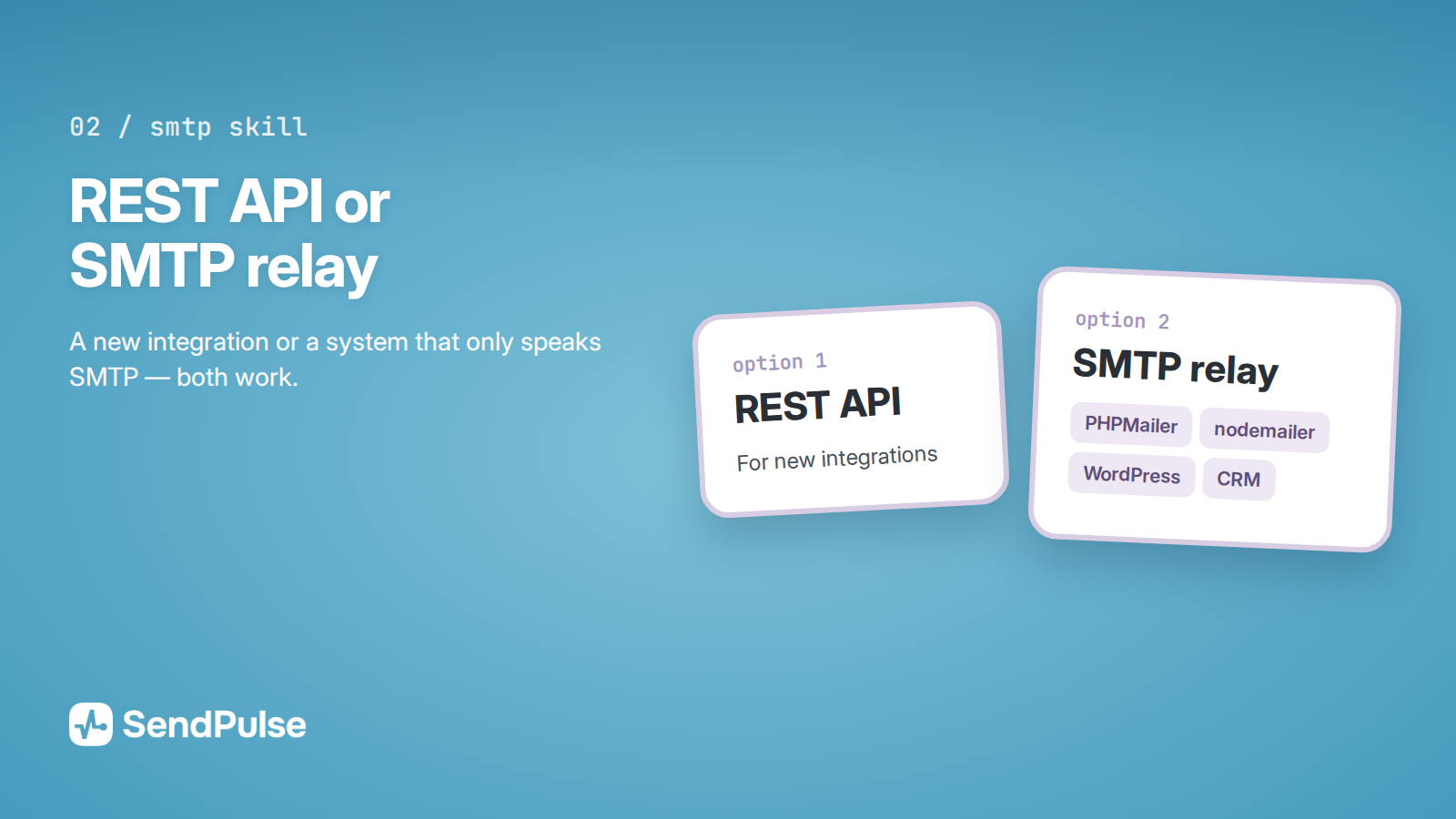
Two ways to connect: the REST API for new integrations, or classic SMTP relay if you already run something that only speaks SMTP — PHPMailer, nodemailer, WordPress, or a CRM.
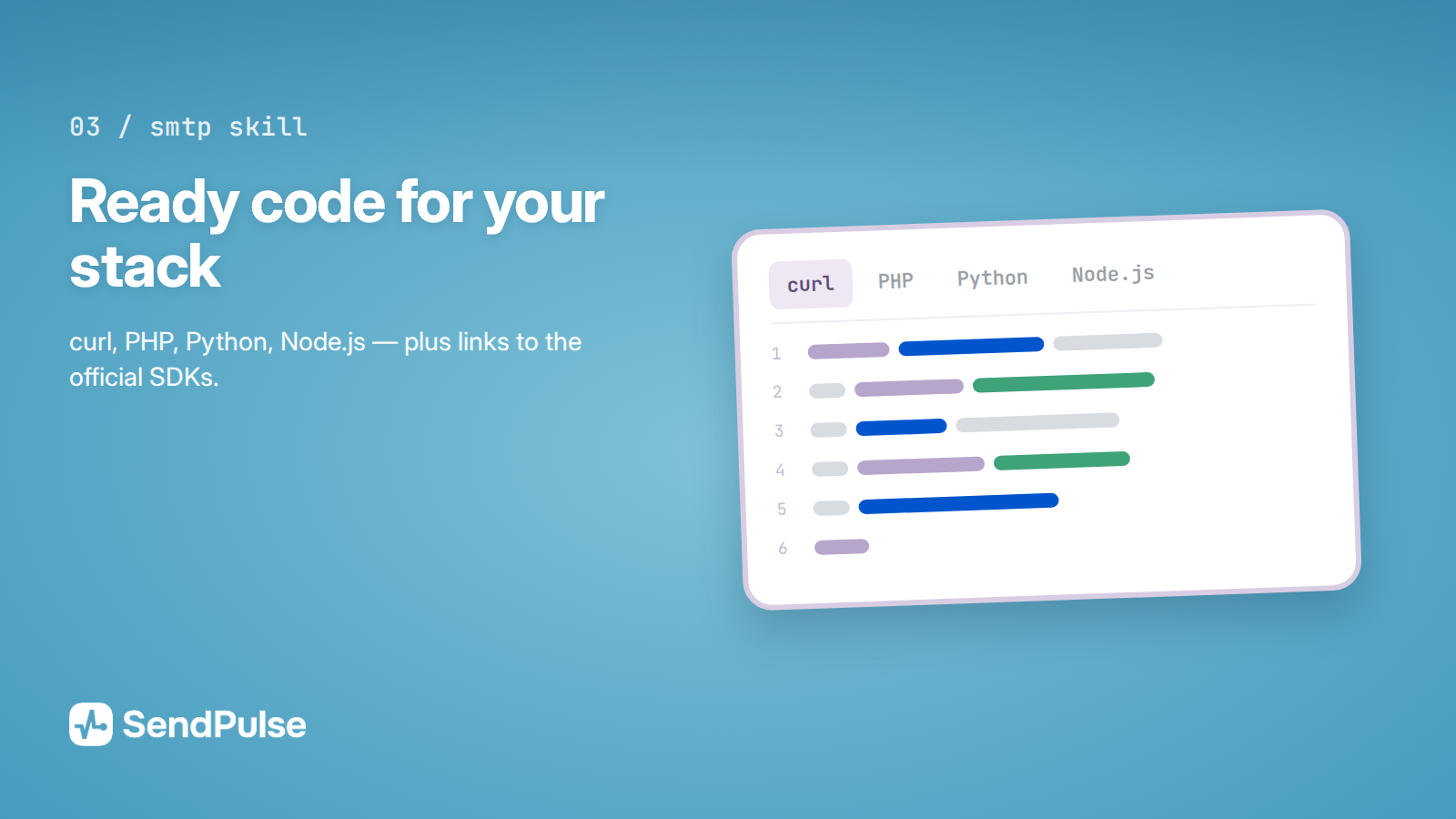
Ready-to-run code for your stack: curl, PHP, Python, and Node.js, plus links to the official SDKs.
Account setup, step by step: SMTP activation and profile review, sender verification, and SPF, DKIM, and DMARC records in DNS. Skip these, and your email either doesn't send or goes straight to spam.
Delivery status for every message: delivered, opened, clicked, and bounced. Check one at a time or in bulk.
Bounce and unsubscribe handling: check an address before you send, pull the daily bounce list, and keep dead addresses out of your database.
Webhooks: instant notifications for deliveries, opens, clicks, spam complaints, and unsubscribes, so your system reacts right away.
Templates with variables, so one email personalizes itself for every recipient.
Troubleshooting. A step-by-step checklist for "not sending / not arriving / going to spam," with an error table and fixes, instead of a forum search.
Good-sender rules: warming up a new domain, rate limits and what to do about a 429, and content requirements.
A clear line between transactional email and marketing campaigns, so you don't overpay for one or damage your sender reputation with the other.
How to connect
Add the skill to your assistant. Download the sendpulse-smtp-skill folder from the SendPulse GitHub repository. In Claude Code, drop it into ~/.claude/skills/ (or into .claude/skills/ in your project). In the Claude app, zip the folder and upload it under Settings → Capabilities → Skills → Upload skill.
Activate SMTP in your SendPulse account. Fill out the sender profile under SMTP → Settings: what you send, how you collect addresses, and how people unsubscribe. Review usually takes up to 24 hours.
Set up your domain. Verify a sender address on a corporate domain and add the SPF and DKIM records — SendPulse shows you the exact values.
Get your credentials. For the REST API: Settings → API. For relay: SMTP → Settings → General.
Describe the task: "Set up order confirmation emails in my Laravel app."
You can also connect the MCP server https://mcp.sendpulse.com/mcp to check stats, senders, and the unsubscribe list right from chat. The skill runs in ChatGPT, Cursor, and Gemini too.
Use cases
Set up transactional email in a new product. From zero to the first delivered message in one session, with the right DNS records and a verified sender.
Move sending off your own server or another provider. The assistant rewrites your code for SendPulse and checks that nothing got lost.
Find out why your email lands in spam. The skill runs the diagnosis in the right order, from domain authentication down to the message content.
Automate bounce and unsubscribe handling, so your list cleans itself and your account doesn't get restricted for a high bounce rate.





or