SendPulse Template Skill
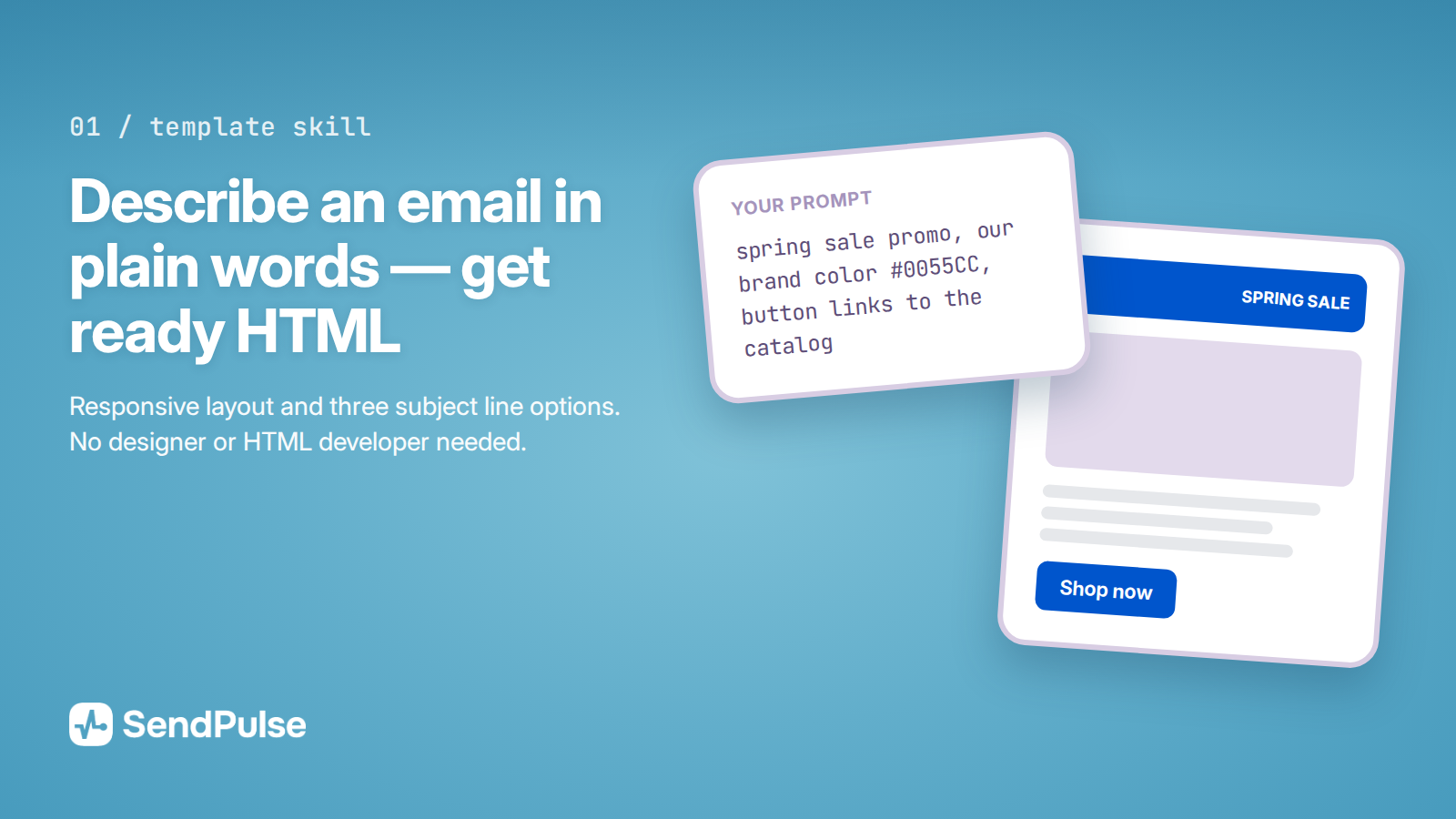
A skill that builds HTML email templates for SendPulse. Describe the email in plain language — "a promo for our spring sale, brand color #0055CC, button goes to the catalog" — and you get a responsive template plus three subject line options. You don't need a designer or a developer, and the email holds up in Gmail, in Outlook, and on phones. Paste the code into the SendPulse editor, or save it straight to your account.
Features
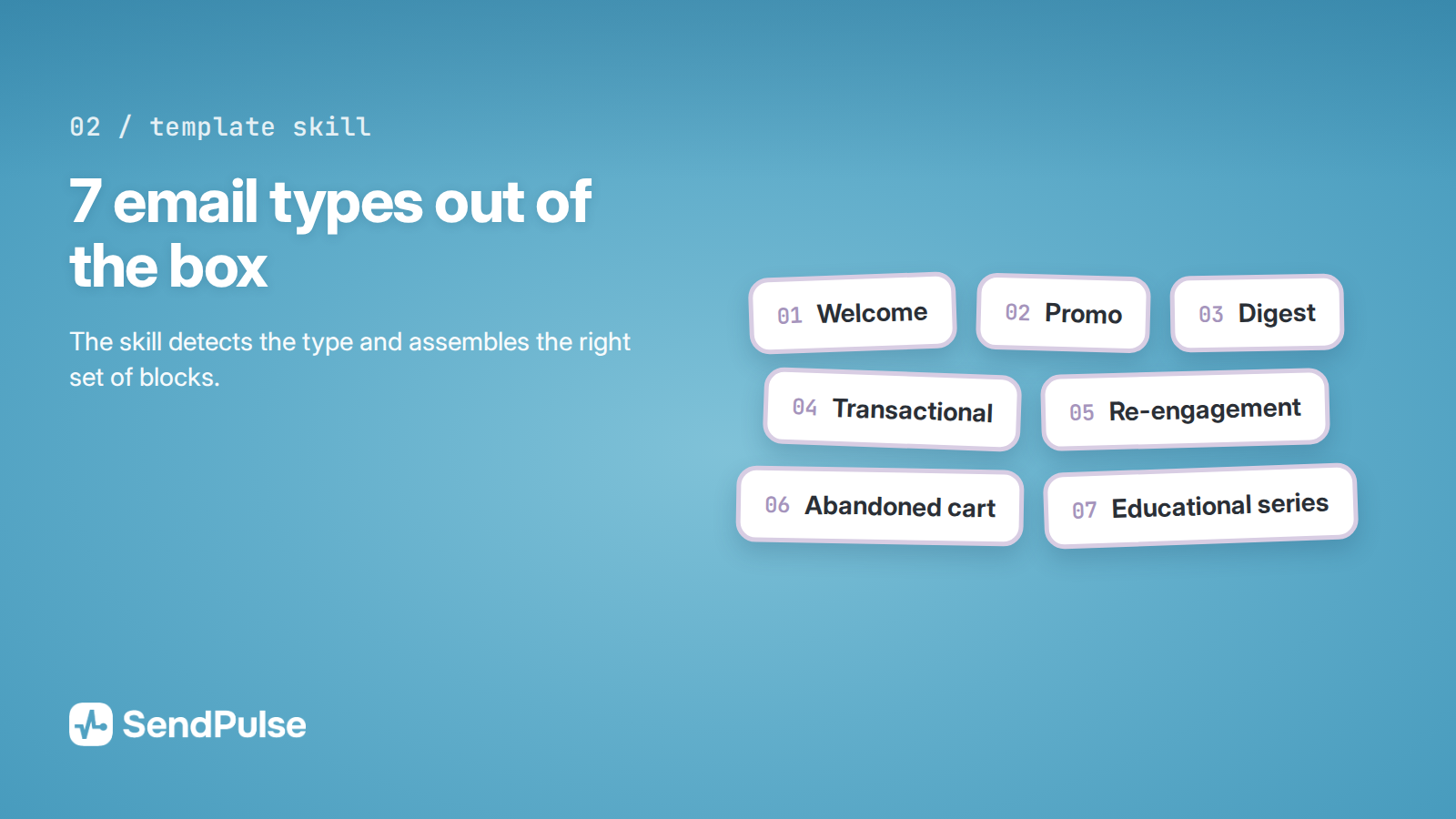
Section sets for every email type: welcome, promo, digest, transactional, reactivation, abandoned cart, and educational. The skill picks the type and assembles the right blocks.
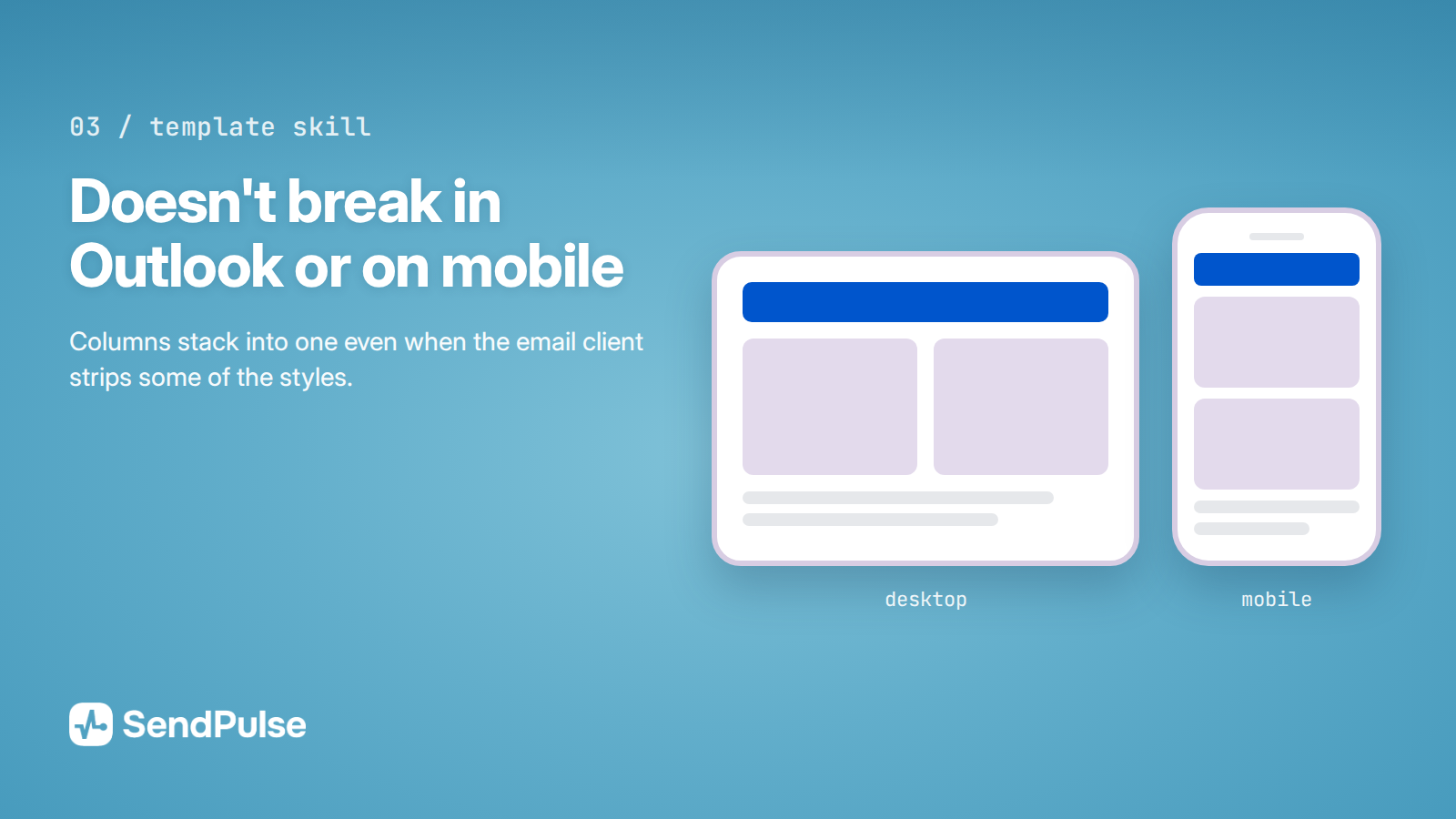
Markup built on rules pulled from 15 production SendPulse templates, with Outlook and mobile Gmail quirks accounted for. Columns still stack into one on a phone even when an email client strips part of the styles — which is exactly where most templates break.
Two modes. Quick: three questions at most, then a finished email. Pro, for marketers: brand guidelines, UTM, A/B, dark mode, and localization.
Branding. Your colors, fonts, and logo. Save a brand profile once, and every email after that comes out consistent.
Three subject line options and a preheader for every template.
SendPulse variables: personalization by name, the unsubscribe link, company name and address in the footer, and a web version link.
UTM tagging for links, plus a reminder to turn on open and click tracking in your campaign settings.
Dark mode, accessibility, and any language, including right-to-left scripts.
Upload straight to your SendPulse account through MCP or the API, with no copy-paste. Or a ZIP with images, if you'd rather do it by hand.
Real SendPulse templates included as a markup reference.
How to connect
Add the skill to your assistant. Download the sendpulse-template-skill folder from the SendPulse GitHub repository. In Claude Code, drop it into ~/.claude/skills/ (or into .claude/skills/ in your project). In the Claude app, zip the folder and upload it under Settings → Capabilities → Skills → Upload skill.
Describe the email: "Make a welcome email for a food delivery app, here are our colors, the button goes to the app." The skill asks only for what's missing.
Take the result. Paste the HTML into SendPulse: Email → create a campaign → HTML editor.
To skip the copy-paste, connect the MCP server https://mcp.sendpulse.com/mcp — the assistant saves the template straight to your account, under Email → Templates.
Send yourself a test before the real campaign, and open it on both desktop and phone.
The skill works without an account connection too — you just get the HTML to paste. It runs in Claude, ChatGPT, Cursor, and other AI assistants.
Use cases
A promo email for a sale in one conversation, with no queue for a designer or a developer.
A welcome series in a single style: describe your brand profile once, and it carries across every email.
Rebuilding an old email from a reference, this time with proper mobile behavior and dark mode support.
Localizing an email into several languages. The structure stays intact, and date and currency formats come out right.



or