






















Learning hub
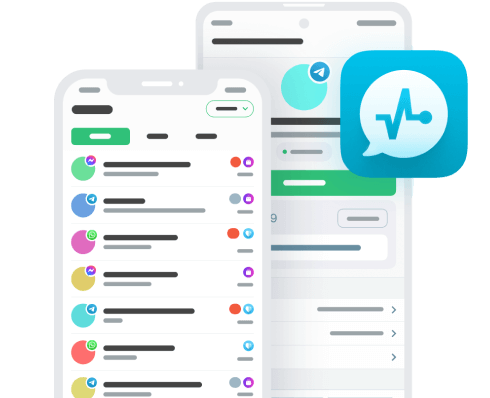
Discover more ways of streamlining your sales using CRM for Facebook Messenger.
Can a Messenger chatbot automatically update my CRM?
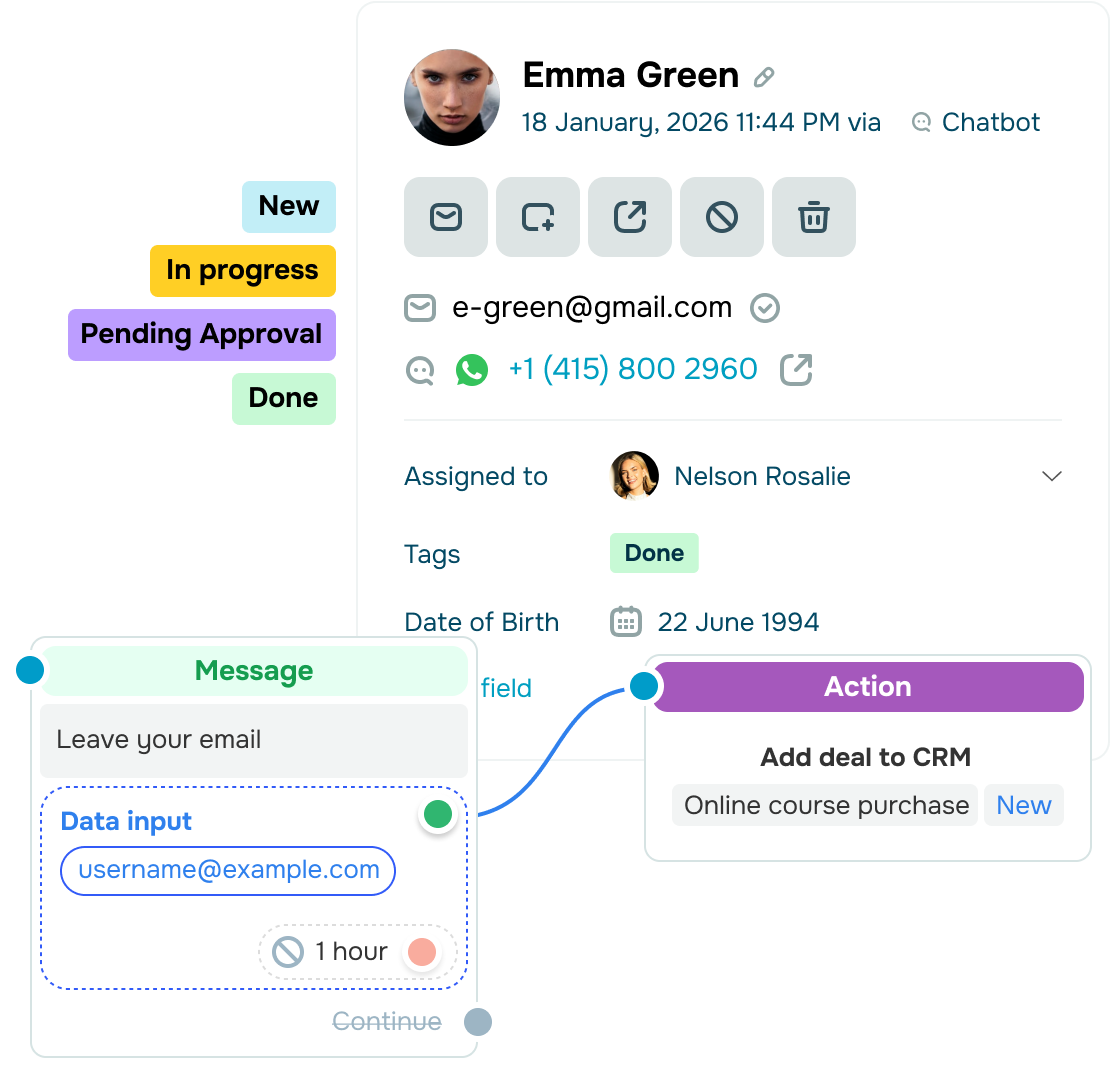
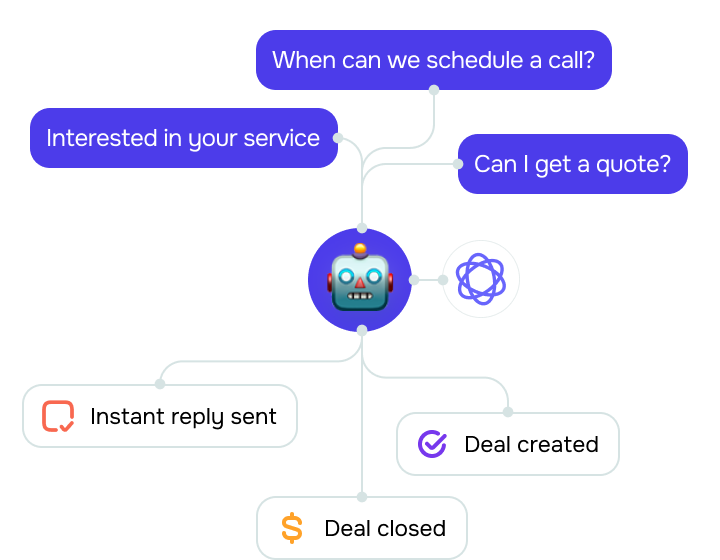
Absolutely! Your Facebook Messenger chatbot natively connects with SendPulse’s built-in CRM system.
Once set up, your chatbot automatically syncs Messenger conversations to your CRM from the very first interaction. New deals and contacts appear automatically, ready to be processed and assigned to your team members. With regular updates, your team will always stay in the loop and pick up where your chatbot left off.
And just like that, every qualified interaction enters your pipeline right away, all while automation keeps data accurate and manual effort to a minimum.
How can my team track clients’ payment activity?
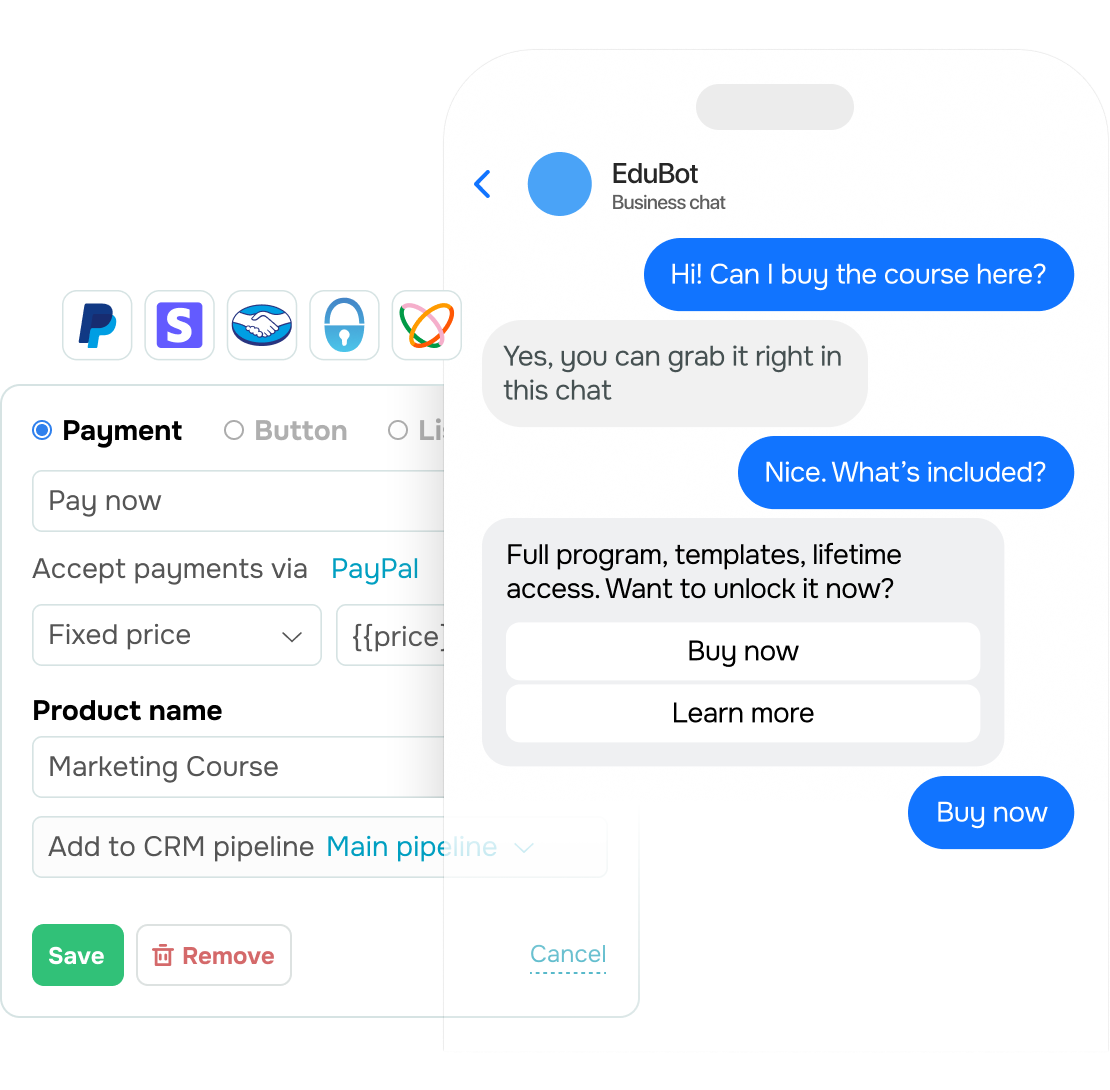
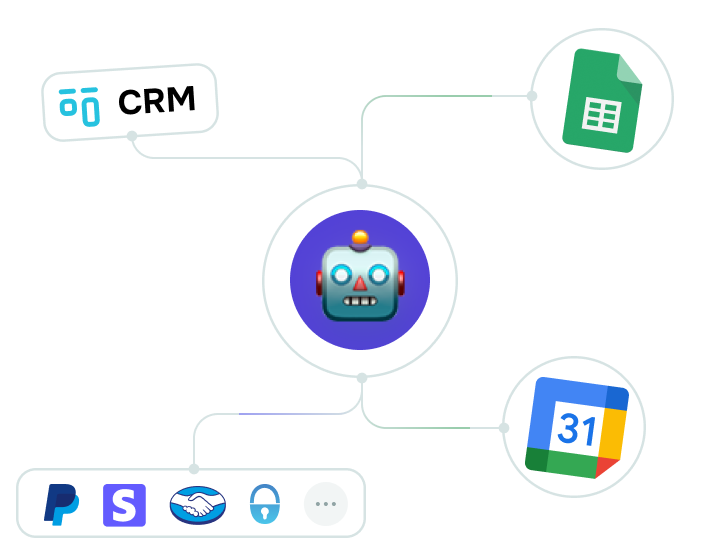
Once your setup is live, it saves all transaction details, including the price, date, status, and payment method, from chats to an organized tab. Your team can revisit any client transaction exactly as it happened, rather than searching through files, memory, or endless follow-up questions.
If a payment fails, you’ll be able to see the reason in your deal or contact history. This supports precise tracking across every payment and timely updates.
How can I evaluate CRM performance?
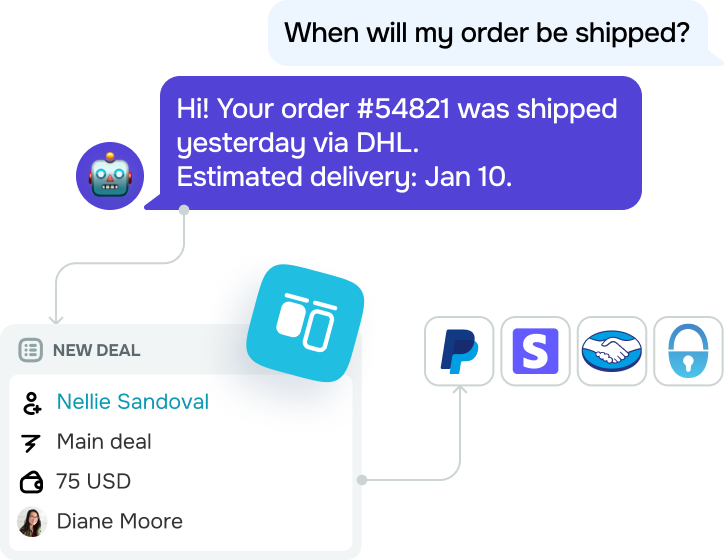
Your Facebook Messenger CRM dashboard presents key metrics like revenue, contacts, deal stages, assigned team members, and task progress in a single place. Just pick a timeframe or set up filters, and get a clear view of your pipeline.
Visual insights make it easier to track pipeline revenue, spot trends, and highlight areas for improvement so you can smartly plan ahead.






or