Recharge your account balance
You can top up your account balance to pay for pricing plans or SMS messages. When you send SMS messages, funds are deducted automatically. To pay for pricing plans, you can enable auto-renewals .
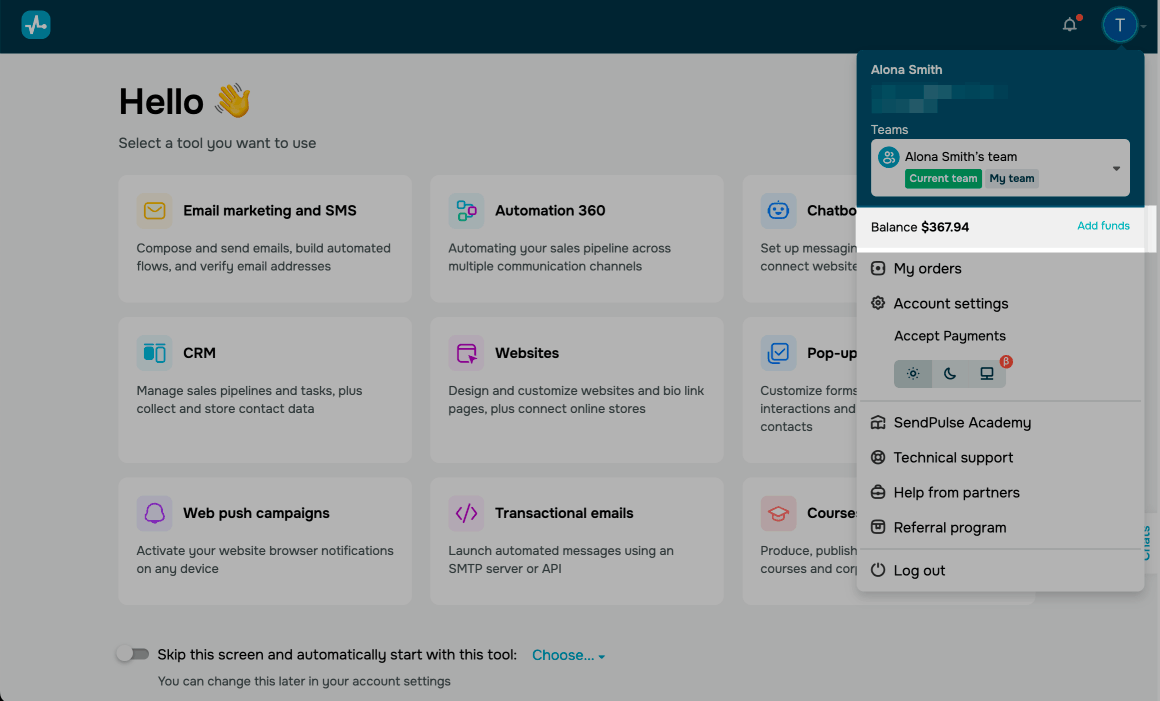
Click your profile picture in the upper-right corner, and select Add funds.
Enter a top-up amount and click Recharge.
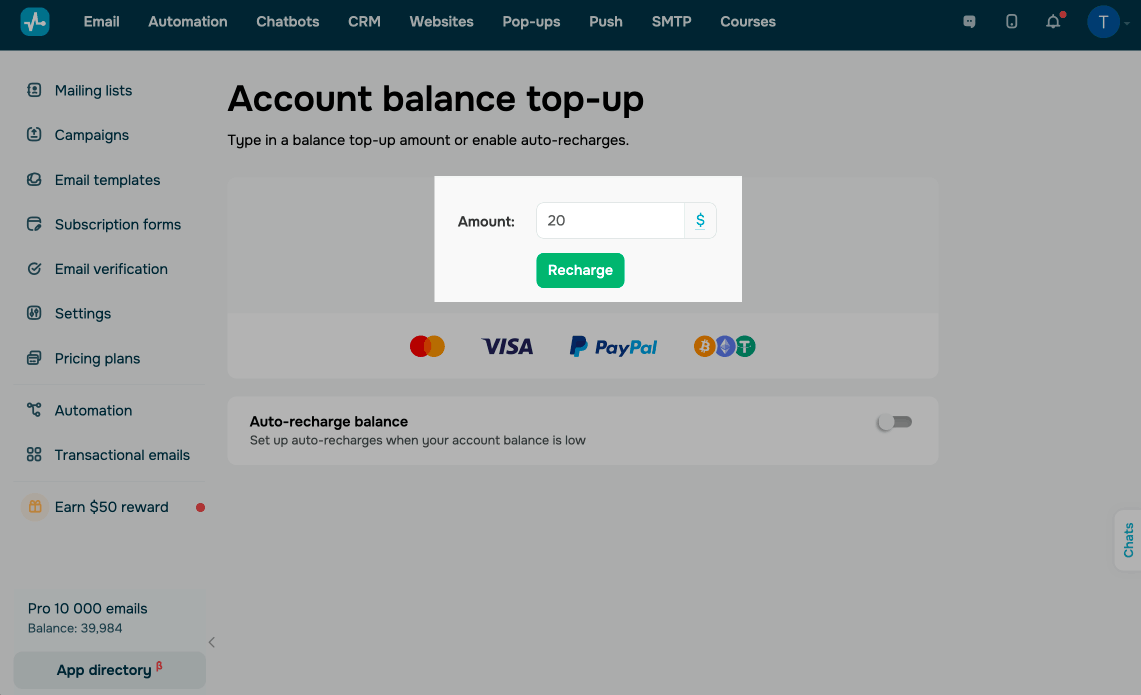
On the next page, select a payment method, such as credit card, PayPal, or cryptocurrency, fill in the fields that appear based on your selected method, and click Pay.
Payment options may vary based on the country set in your account settings.
 Last Updated: 07.03.2026





or