The Countdown pop-up element
Use this element to show how much time is left until a certain event, for example, before a promotion ends or a course starts. This helps create a sense of urgency and motivates visitors to take action.
In the pop-up builder, select the Countdown element and go to its settings.
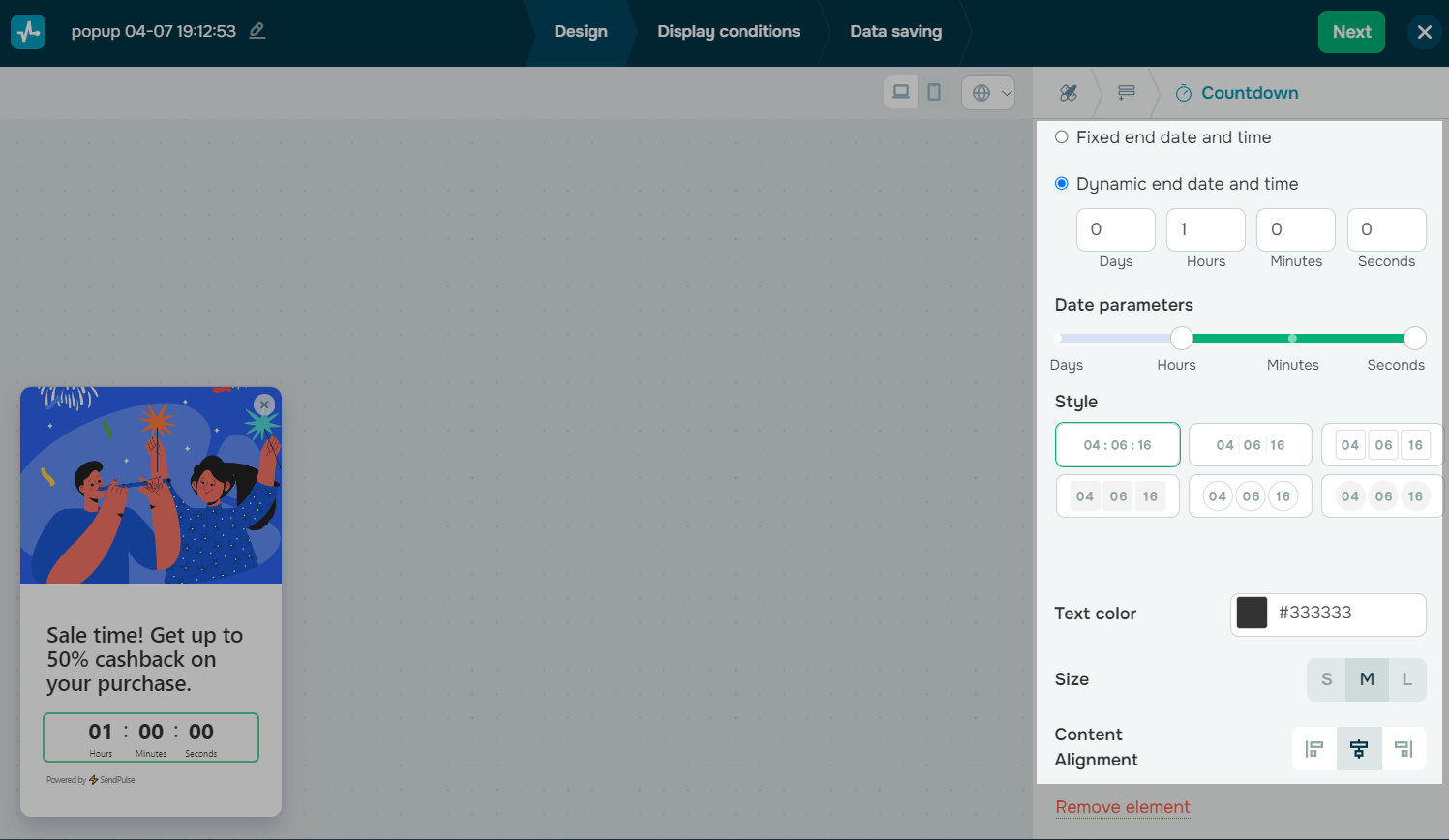
Add dates
Set up your timer in the following sections:
| Fixed end date and time | The element will count down to a specific date and time.
Click the field and select an event end date and time zone from the calendar. In the Time zone section, select your timer’s time zone (your account time zone or your visitors' time zone). |
| Dynamic end date and time | The element will start counting down to a specific time when a website visitor sees your pop-up.
Select a countdown period from the moment it starts. |
| Date parameters | Select a number of countdown indicators using a slider (from days to seconds). |
Customize the appearance
Customize your timer in the following sections:
| Style | Select a timer design. |
| Text color | Set a timer text color. |
By default, styles are synced across all device versions. To customize each version separately, turn off Styles are synced.
To customize your widget placement use the following settings:
| Size | Select a timer size: S, M, or L. |
| Content alignment | Select an alignment: left, center, or right. |
| Position | Customize your element position on the screen using the X, Y, Z-index, and Rot parameters. |
| Hide widget on | Hide the block devices. |
 Last Updated: 18.06.2025





or