Ask questions and view instructors’ answers
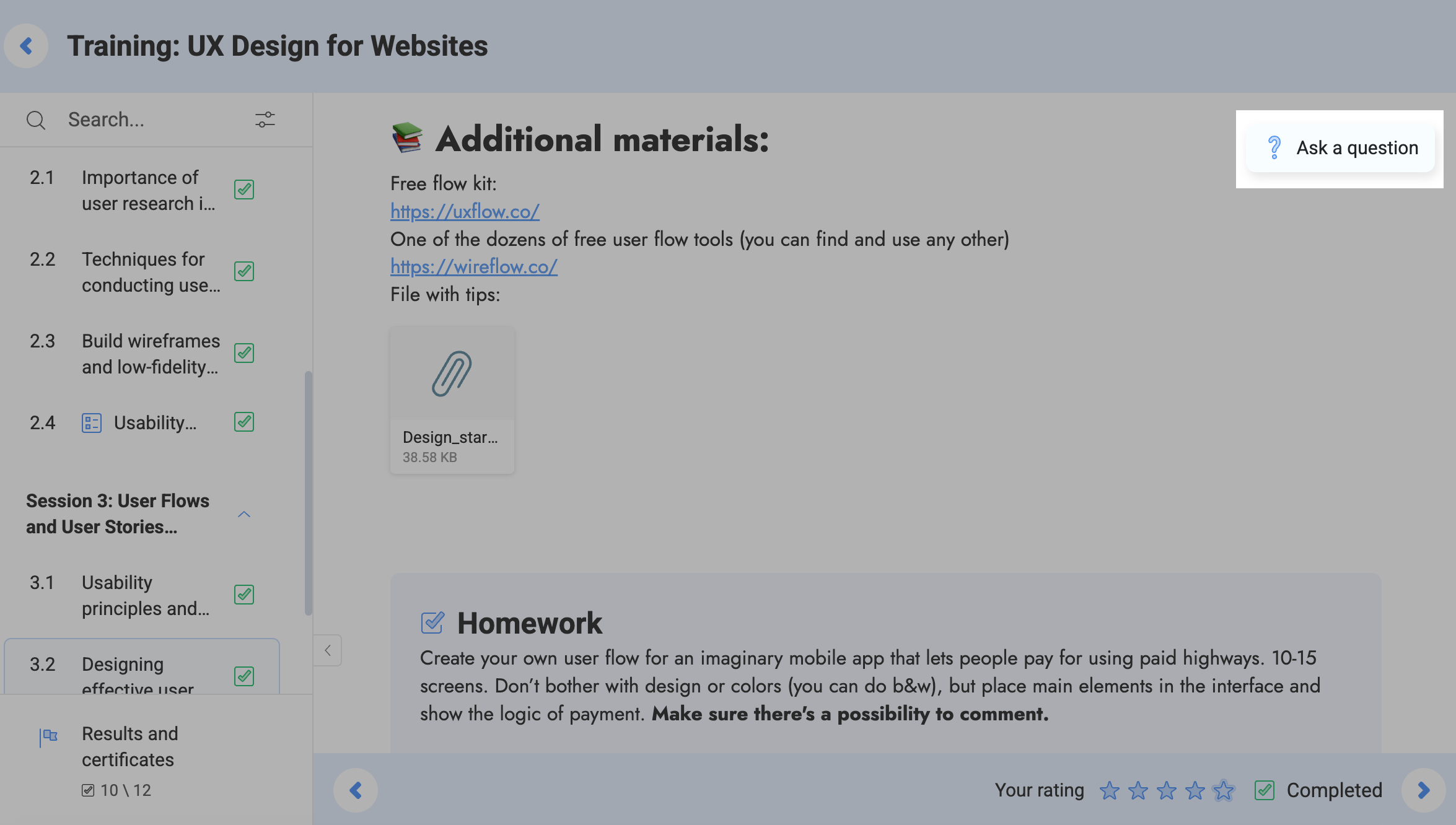
You can ask questions inside each lesson. Go to the lesson and click the message icon in the upper right corner. Type in a question, and click Send.
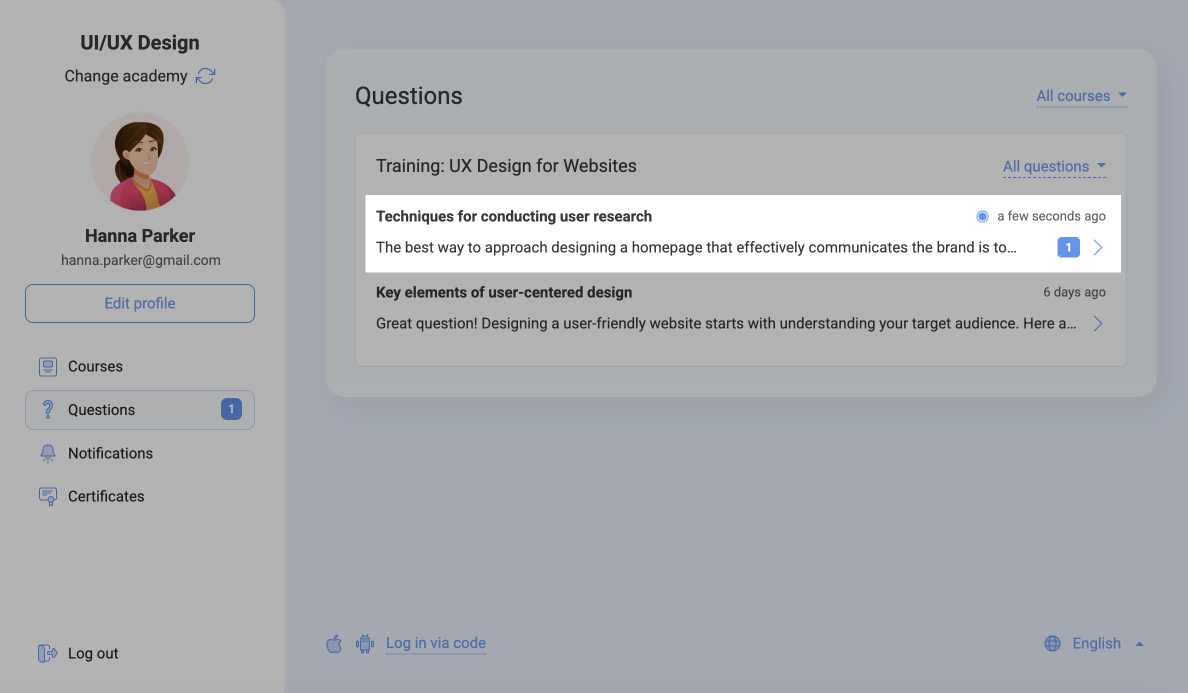
To view all your questions and answers from instructors, go to the Questions tab. If an instructor posts a new answer, you will see a blue dot next to your question. An email notification will be sent to your email address specified during the registration.
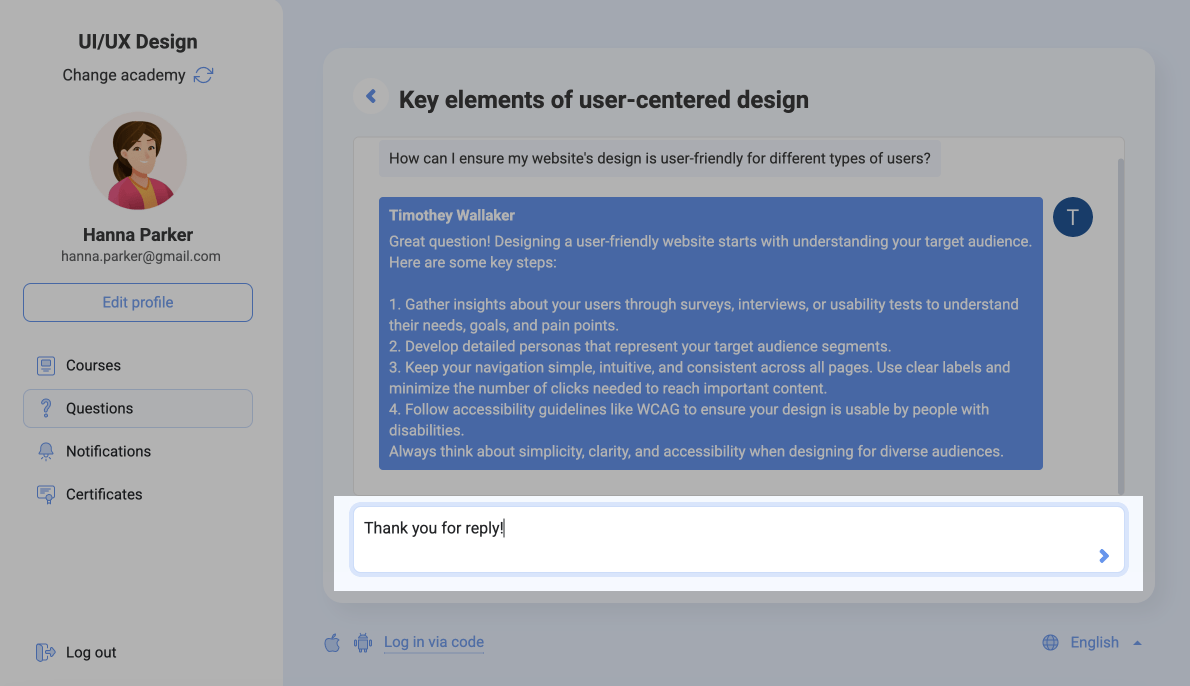
To see an answer, click a question. Here, you can ask an additional question or reply to your instructor. Click the arrow on the right to submit your reply.
 Last Updated: 20.05.2025





or