Course triggers
With SendPulse, you can send automated flows using triggers in the Courses tool. When selecting course triggers, corresponding Actions are available.
Once you create a flow, you cannot change its start trigger.
In total, you can add up to 100,000 contacts per day to all flow starts in your account. The counter is reset every day at 00:00 based on the time zone selected in your account settings.
When a course trigger fires, your flow receives variables from system course emails. Insert them into any sending element, such as Email, SMS, Viber, or a chatbot, or into internal notifications through the Send email to my address and Notify me via Telegram actions.
Click a trigger category, and select a trigger.
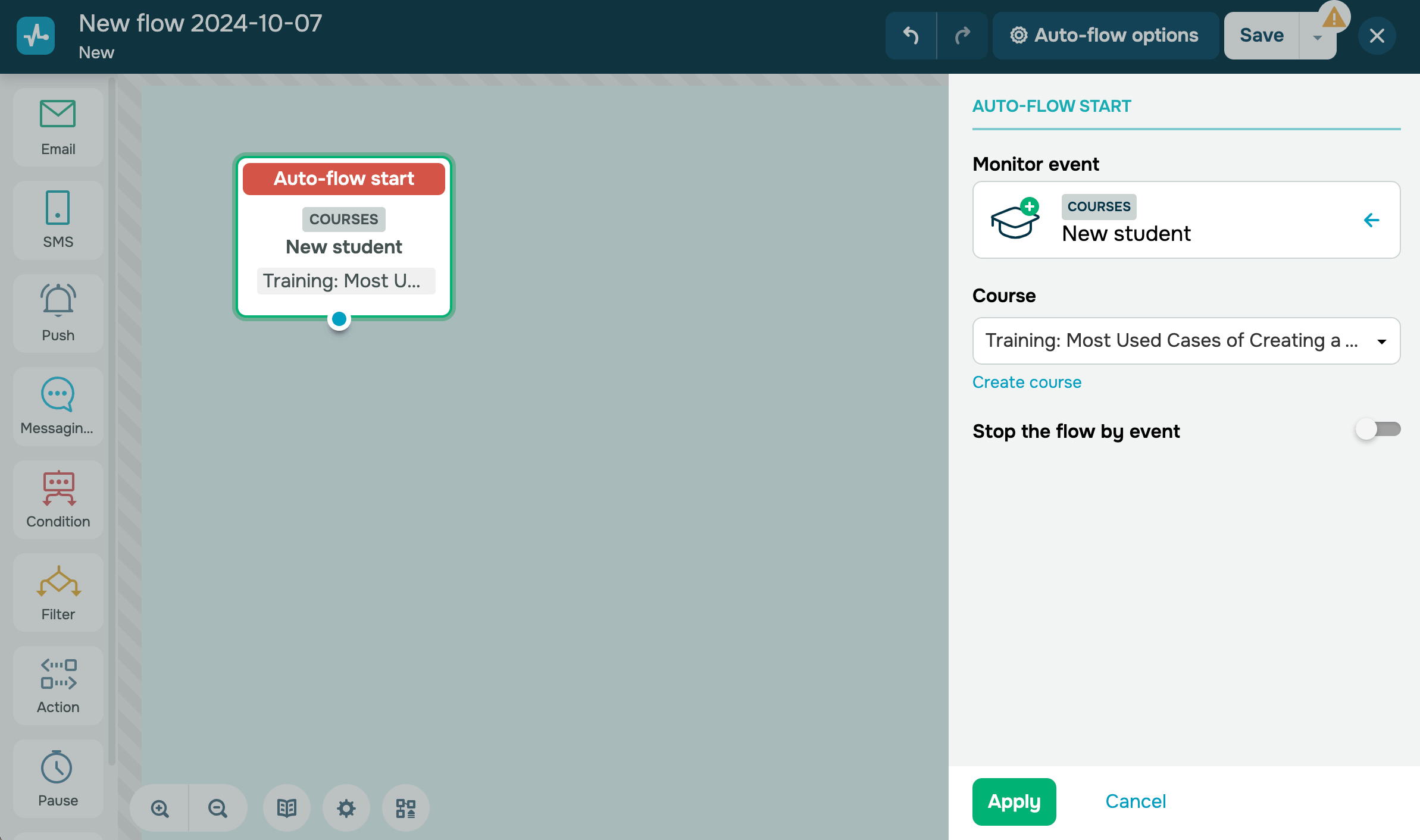
Add student
This trigger starts a flow when a student registers for a course. Students can enroll in a course themselves, or instructors can add them and send invitation emails.
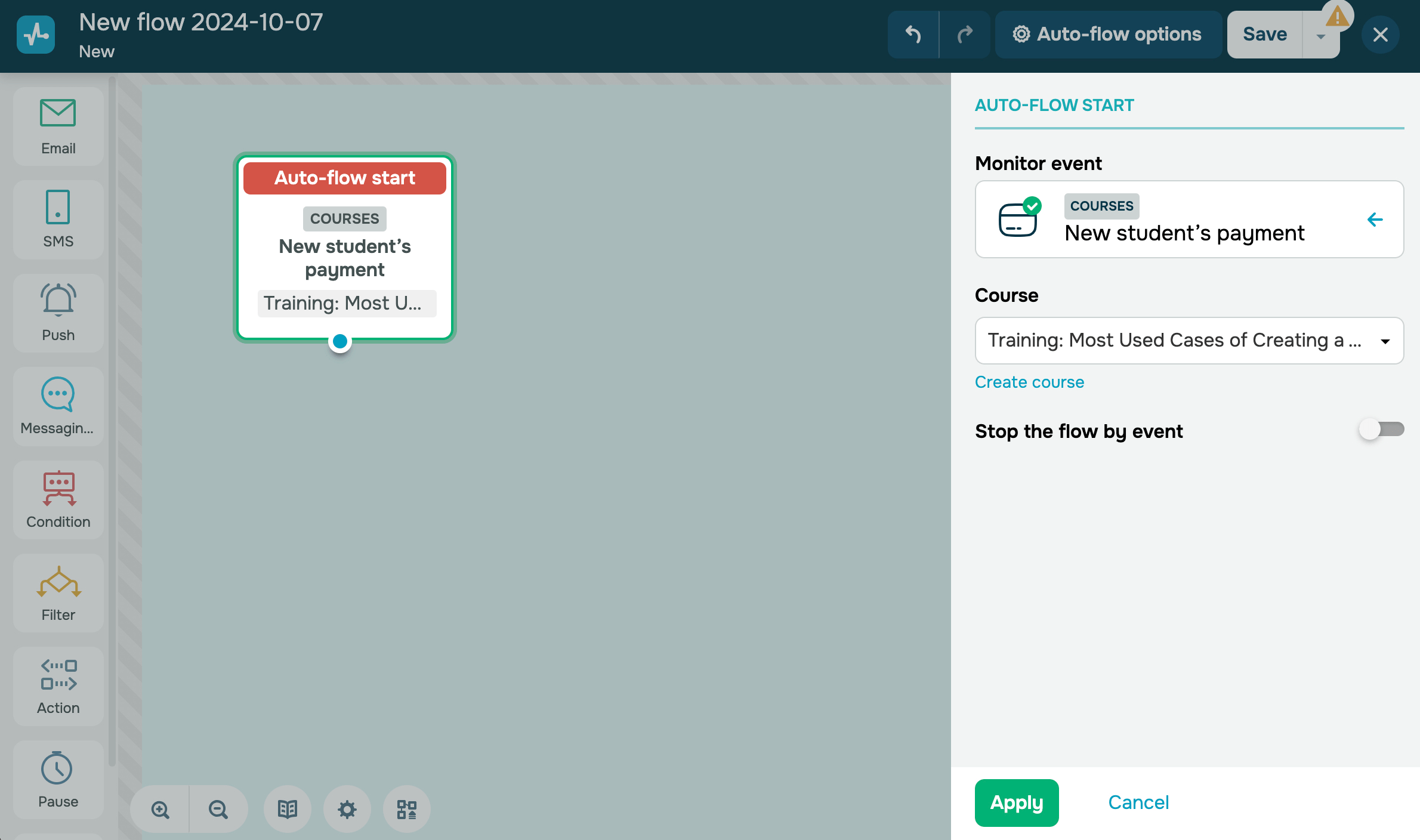
Receive the students’ payment
This trigger starts a flow when a student successfully pays for a course. For example, you can send a student an automated message about their successful payment and start onboarding them.
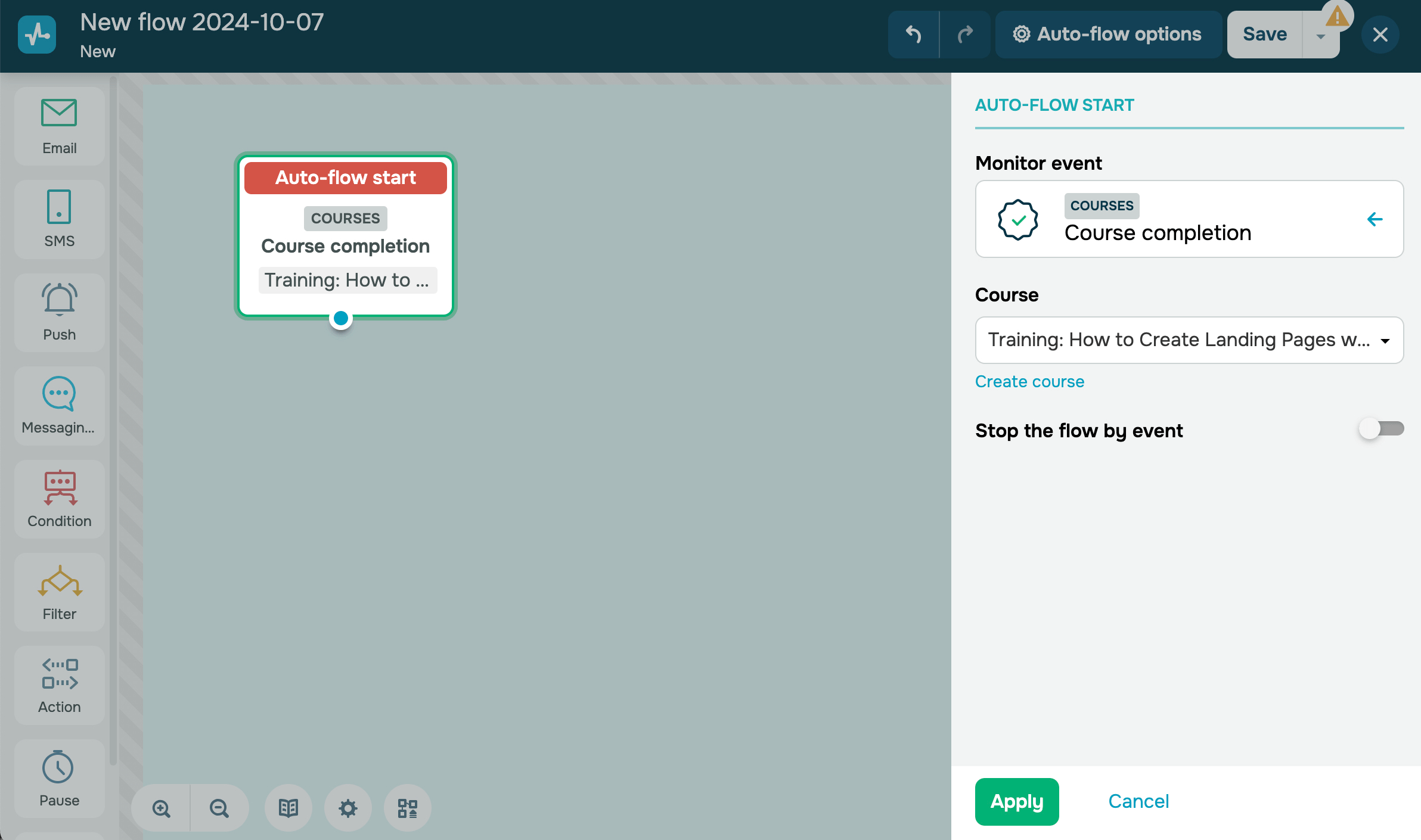
Grant course certificate
This trigger starts a flow when a student receives a certificate. For example, you can use this trigger to congratulate students with their successful course completion and show where they can download a certificate.

Complete course
This trigger starts a flow when a student meets all course completion criteria. For example, you can congratulate students with their successful course completion and recommend a new course.
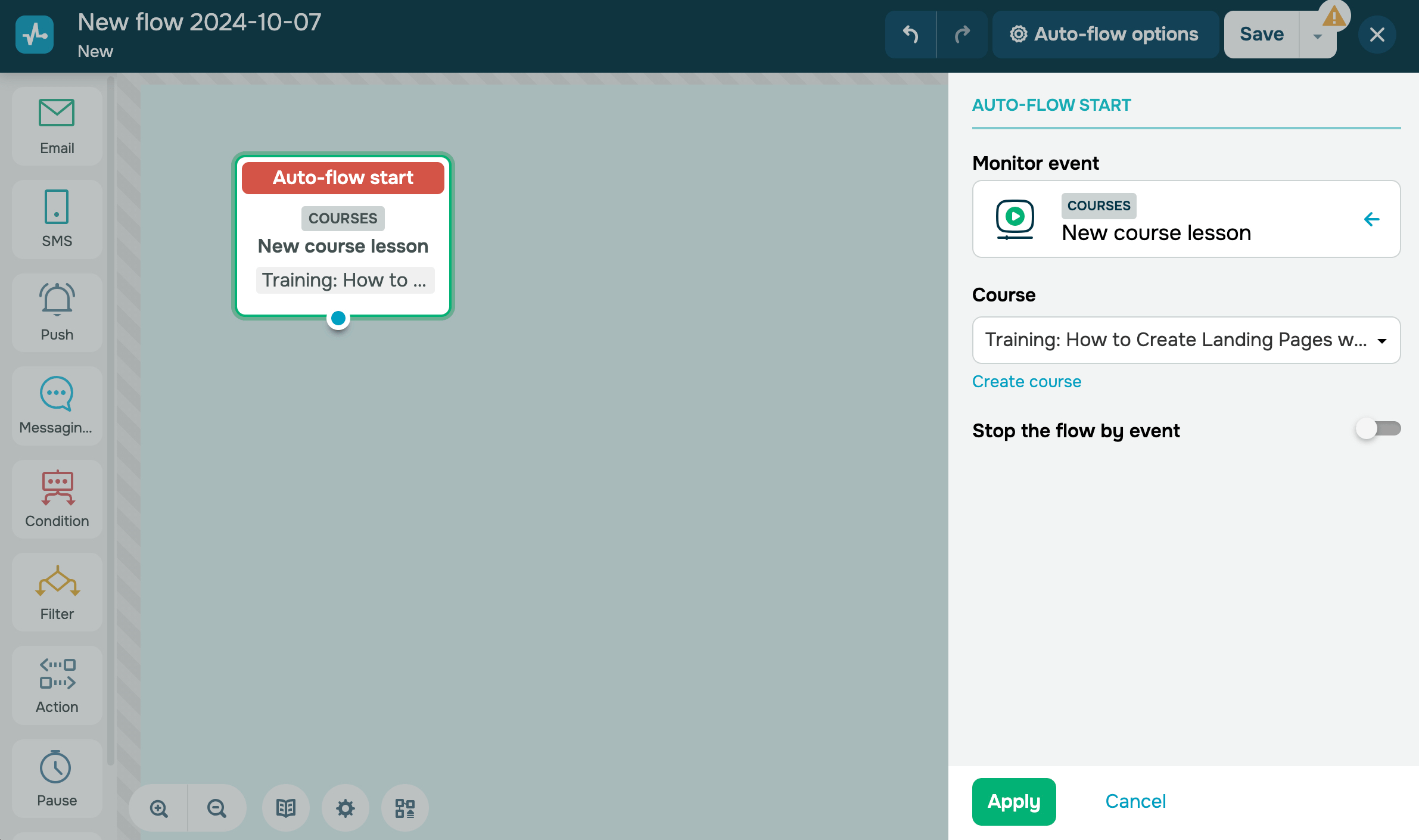
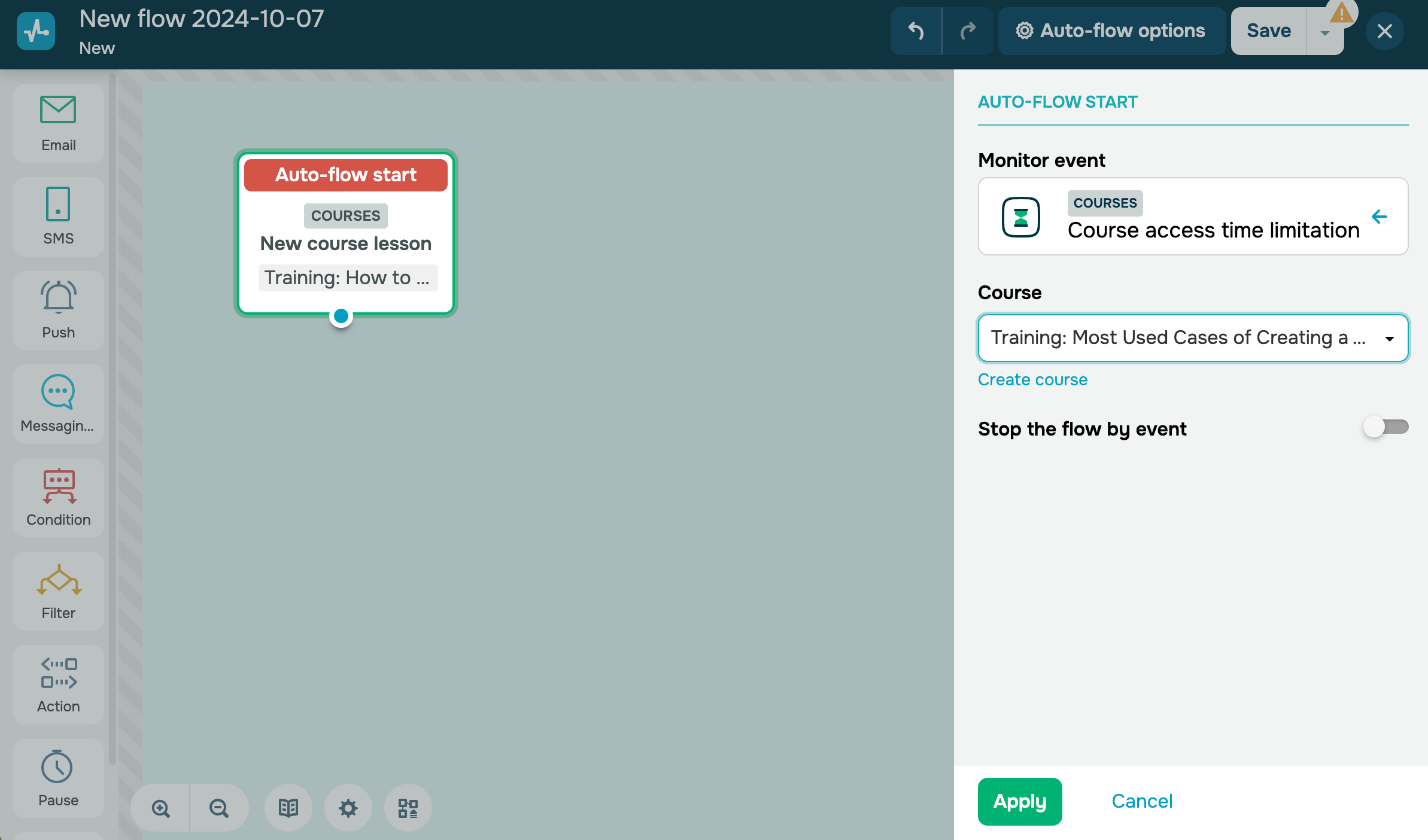
Add new lesson to course
This trigger can help you notify students about new lessons instantly.
Limit course access time
This trigger starts a flow when a student’s course access expires — you can set students’ course limits in the settings. For example, you can use this trigger to send an automated notification to a student whose course access has expired.
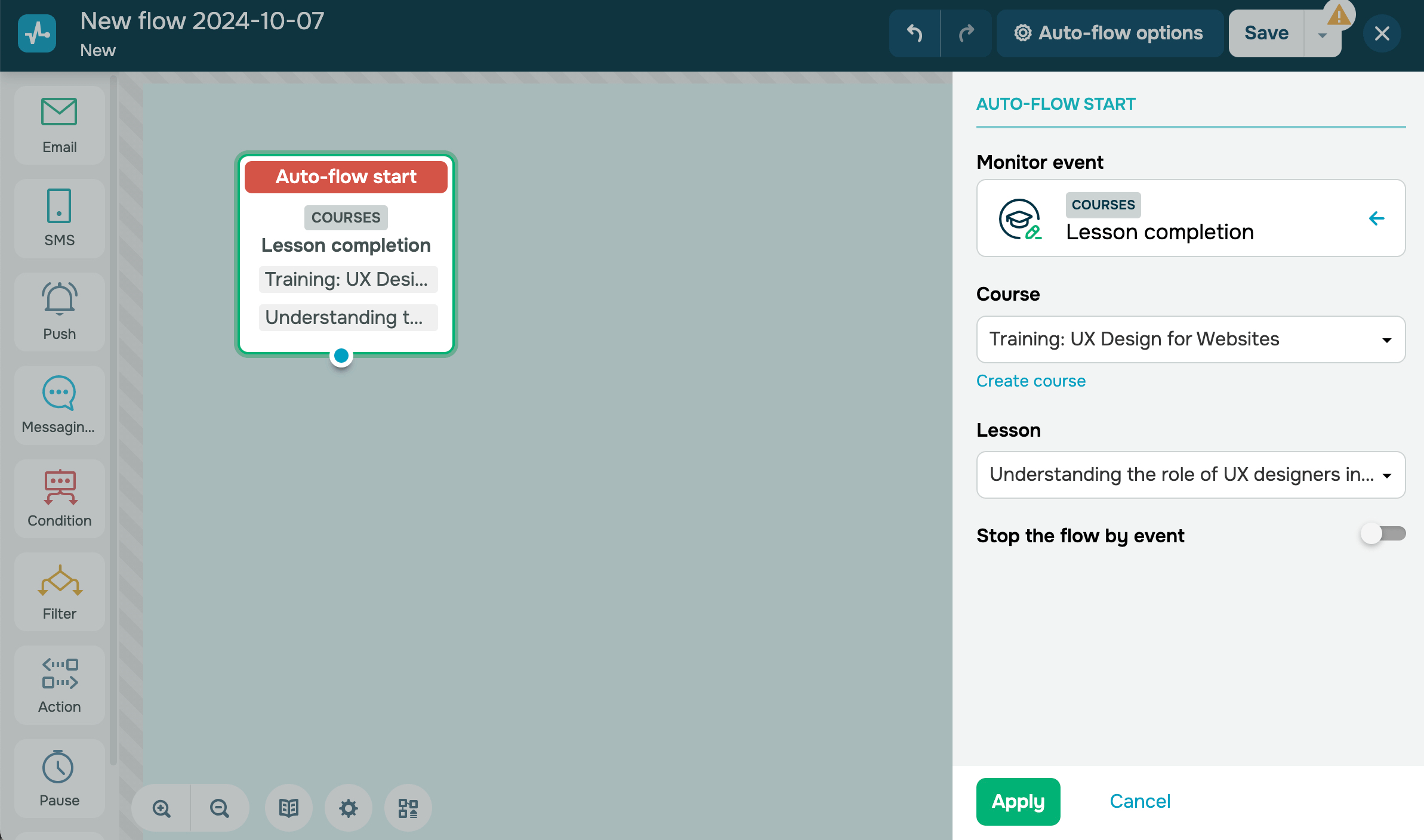
Complete lesson
This trigger starts a flow when a student successfully completes your selected course lesson. For example, you can automatically send an email to congratulate your student on their course completion and invite them to sign up for your other courses.
 Last Updated: 17.07.2025





or