The Radio buttons pop-up element
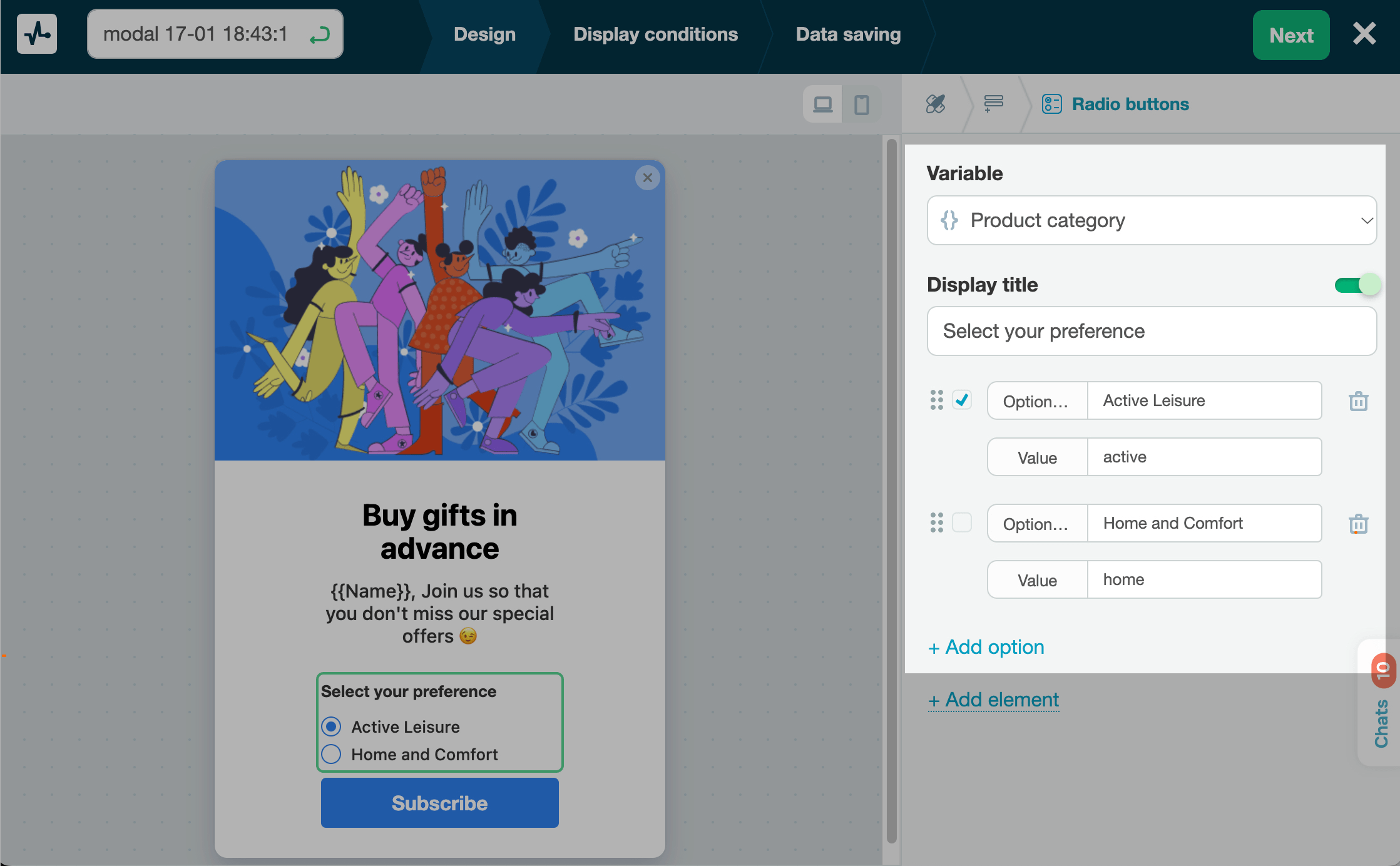
Use this element to allow users to select an item from the list using a radio button. It can also help you collect users’ data and get them to engage with your pop-up.
In the pop-up builder, select the Radio Buttons element and go to its settings.
Choose where to save the data
In the Variable field, select or create a variable to store the value.
You can store values with the following data types: String, Number, Date, and Reference.
In the variable list, default system variables appear above the divider, and custom variables you've created in the Pop-ups or CRM sections appear below it.
Customize the element
Adjust radio button settings in the following sections:
| Display title | Turn on the toggle and name your multiple-choice field. |
| Option text | Enter the text that visitors will see. |
| Value | Set the value that will be saved to your variable. |
You can also mark an option that will appear as selected by default.
To add more options, click + Add option.
 Last Updated: 18.06.2025





or